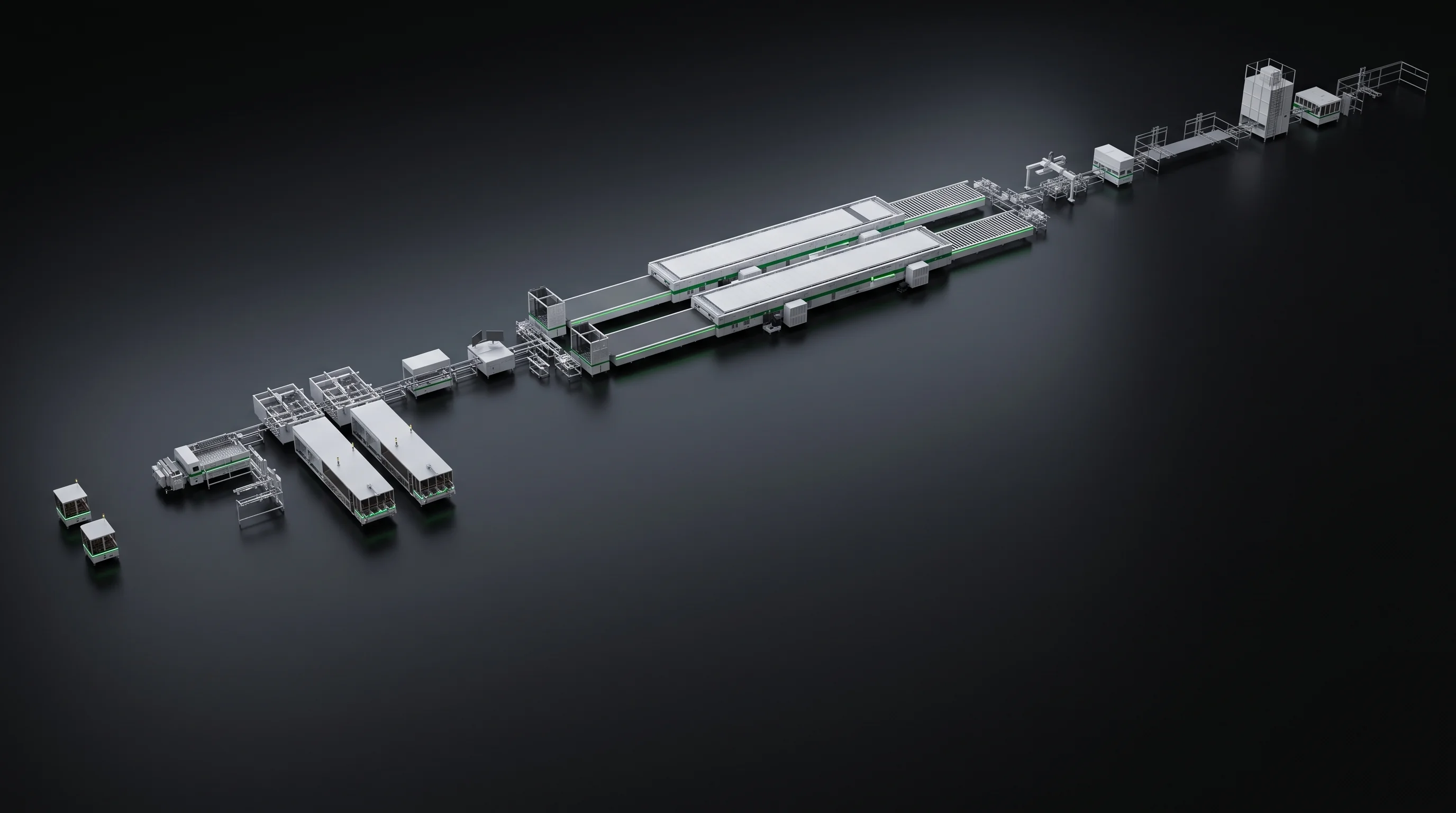
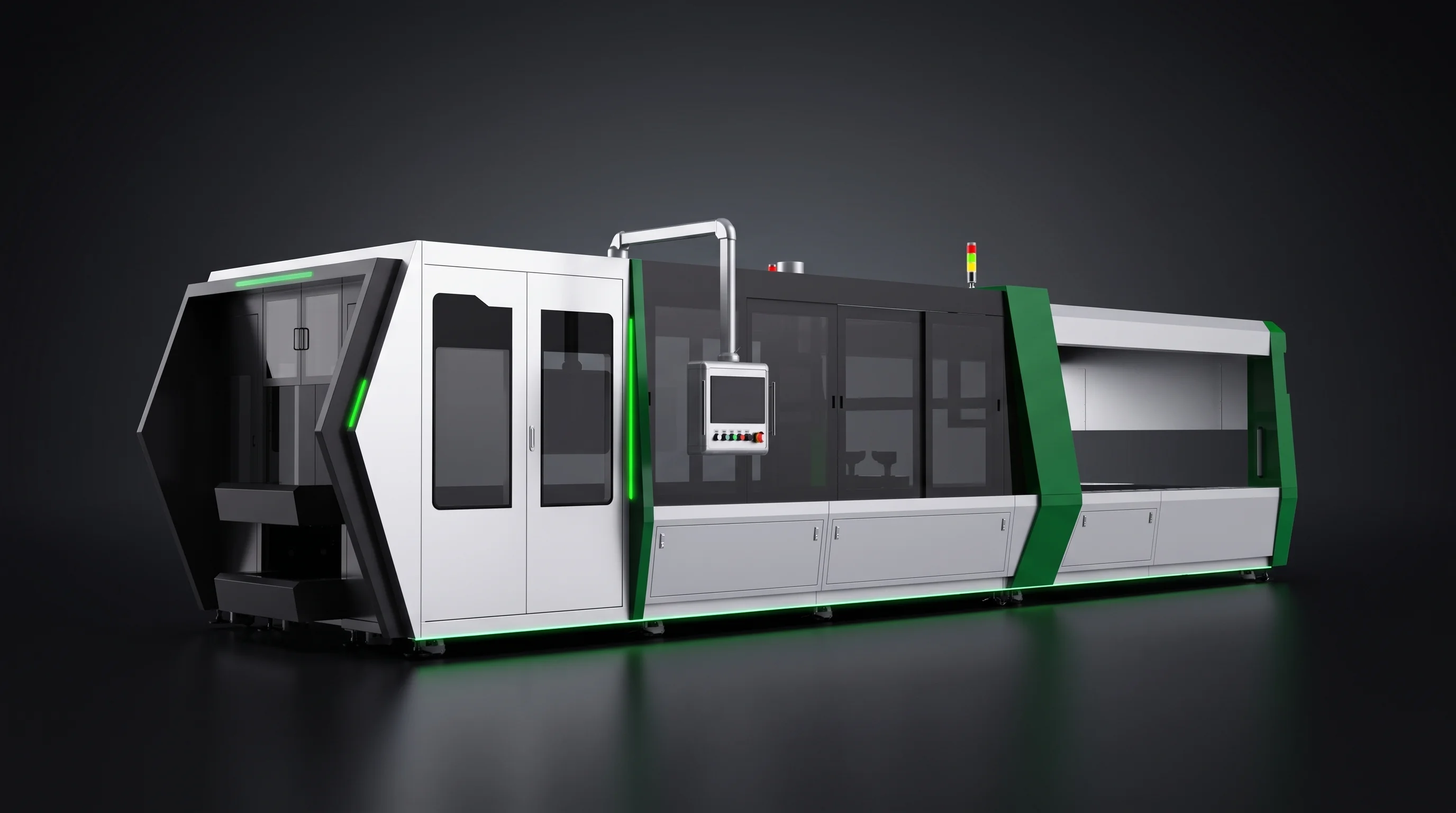
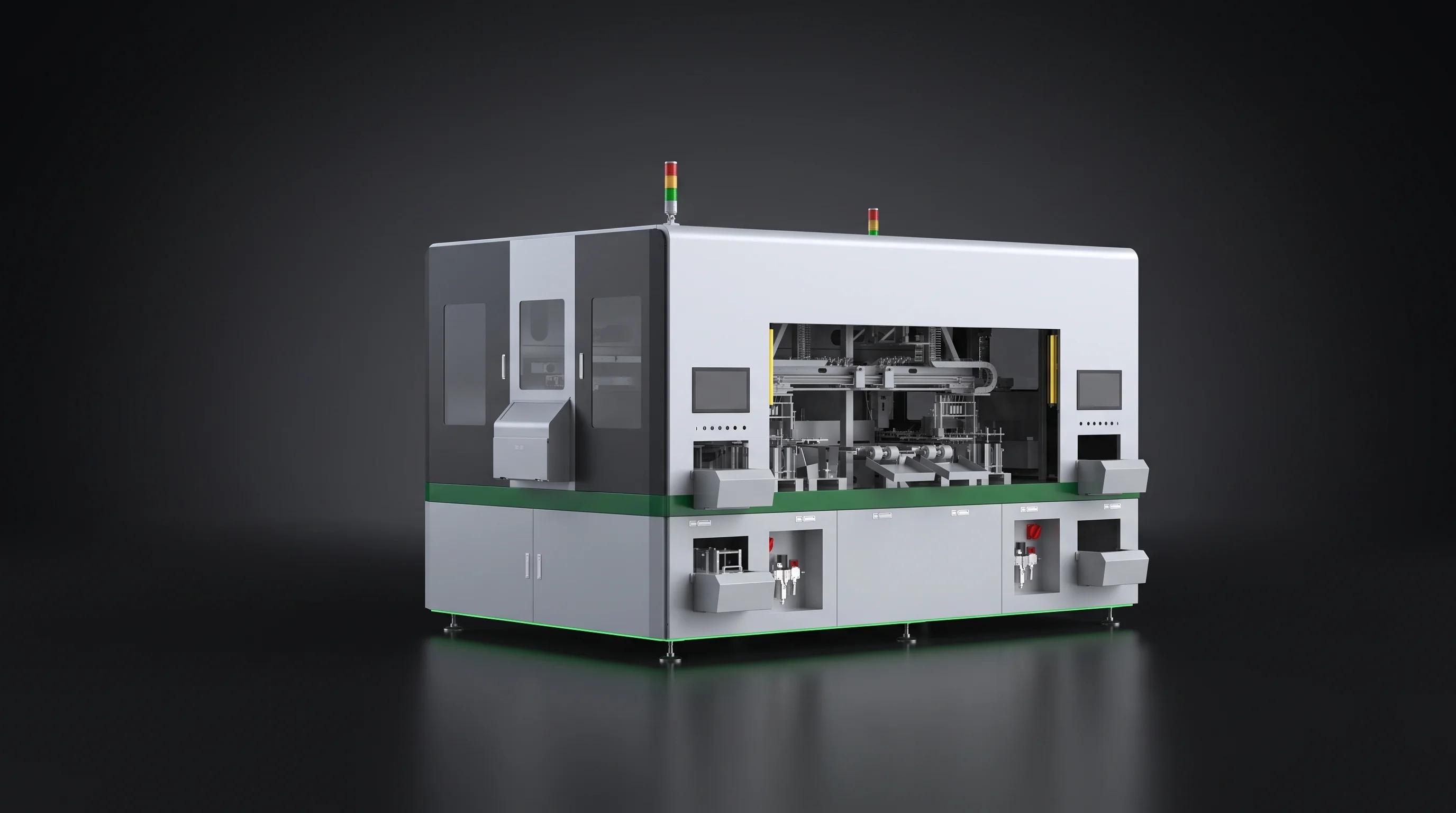
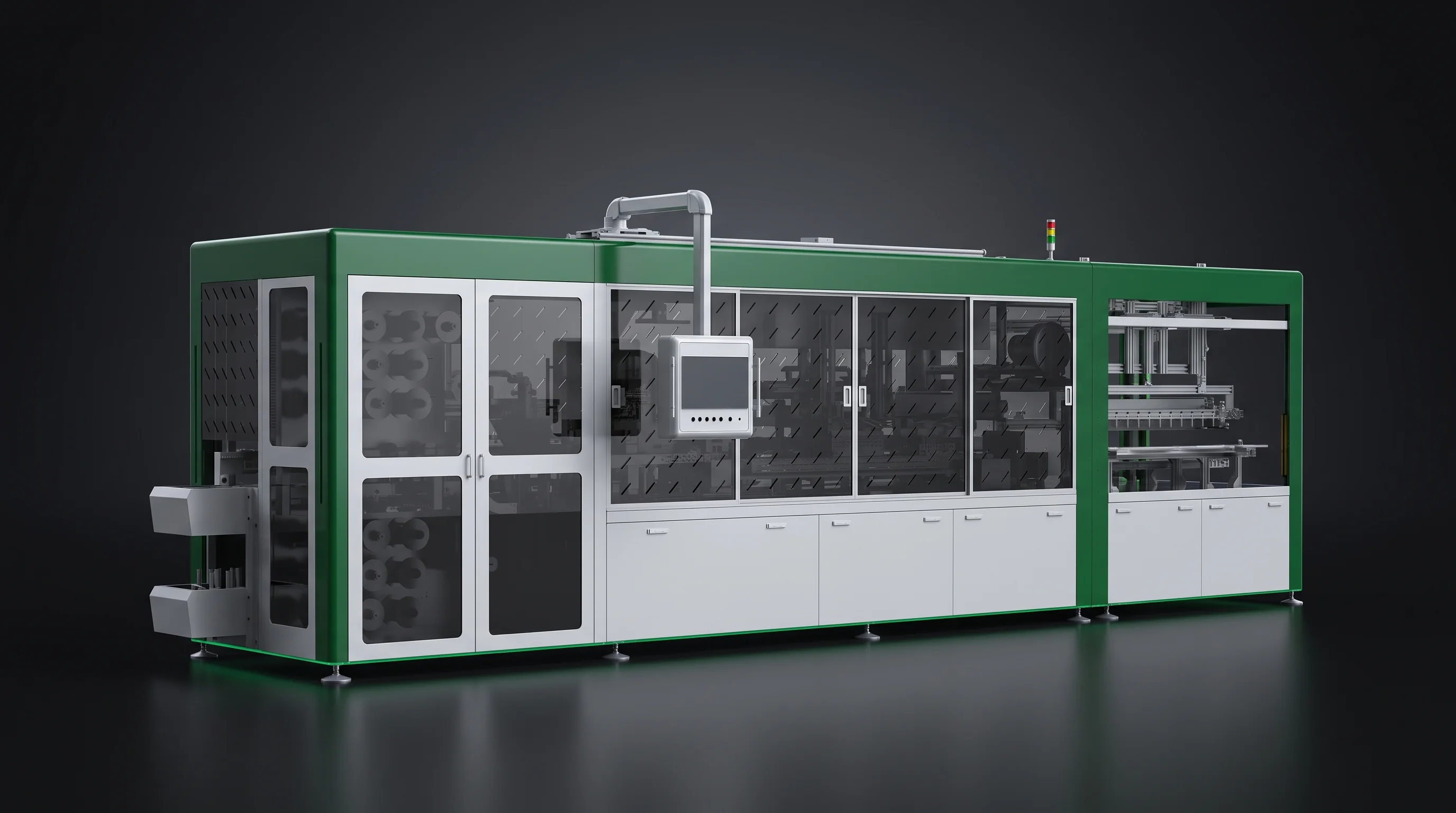
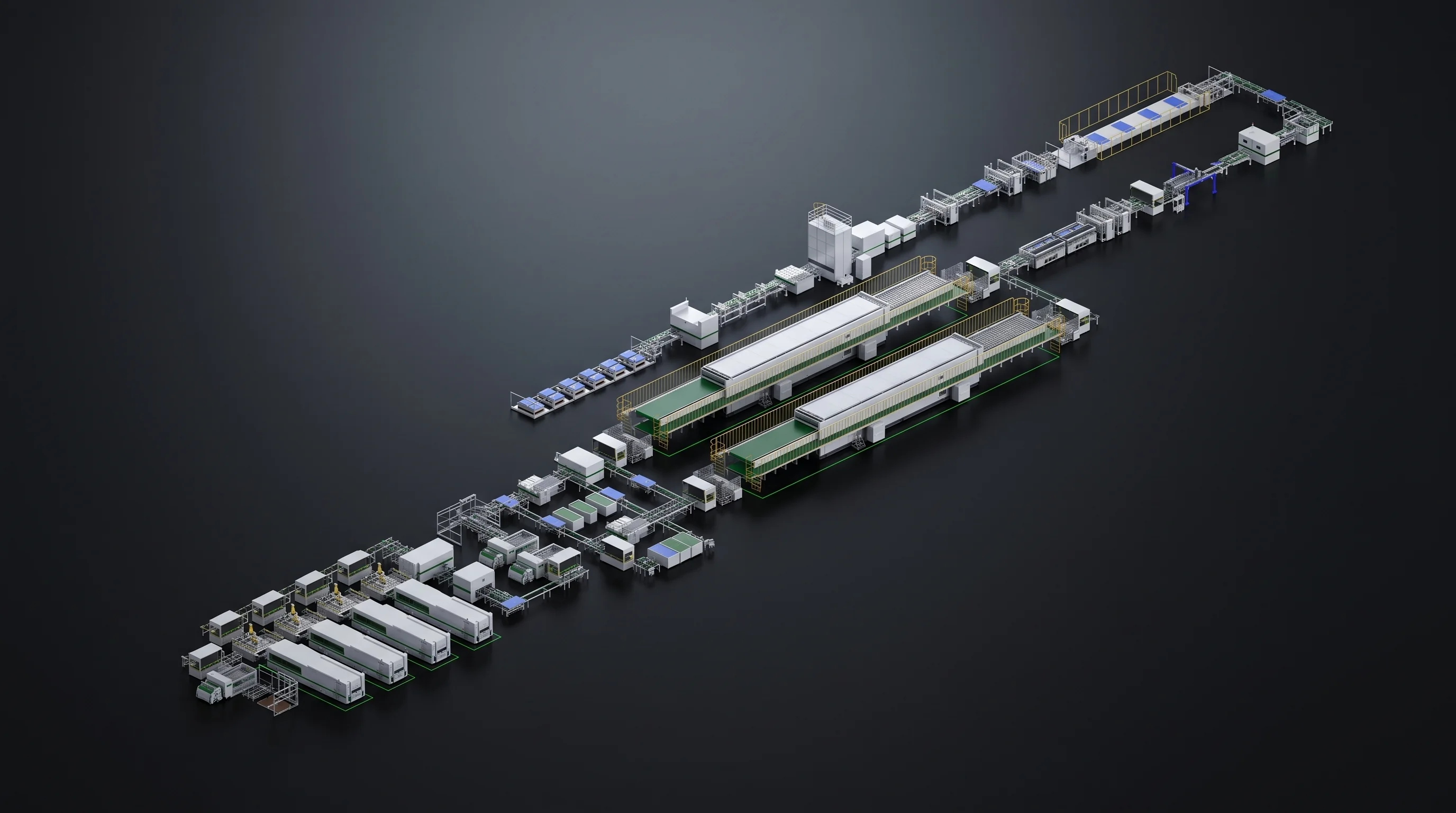
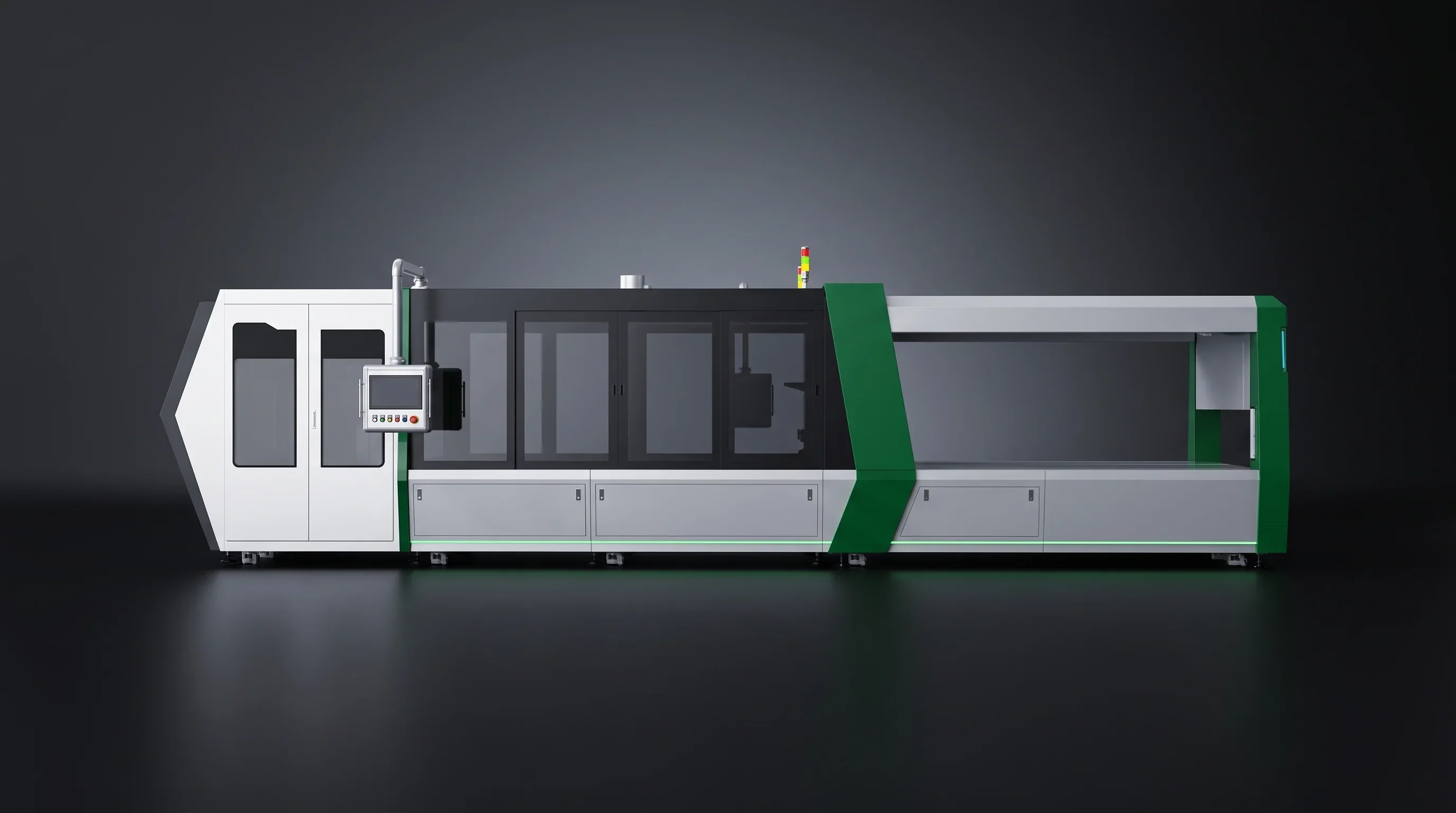
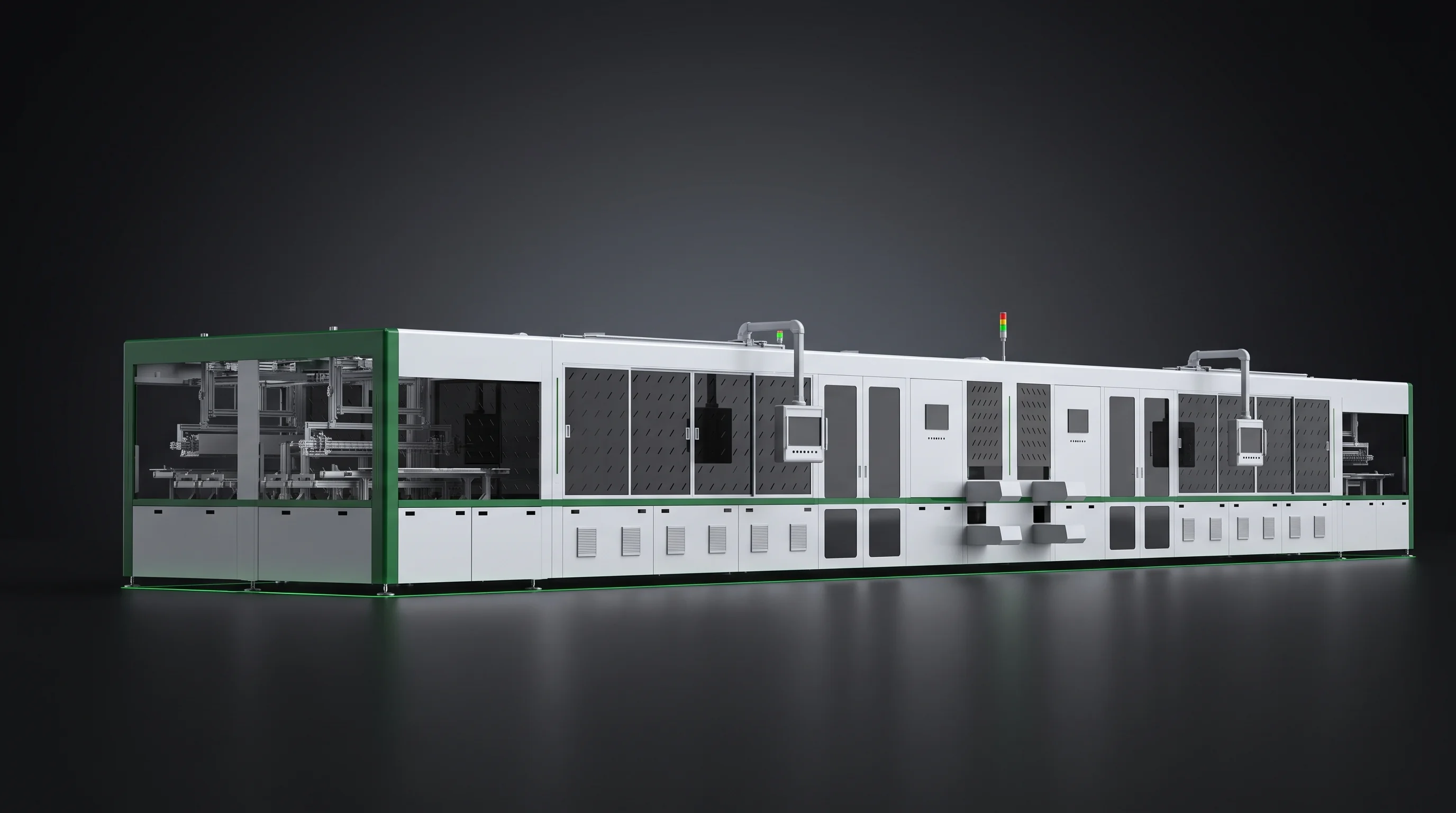
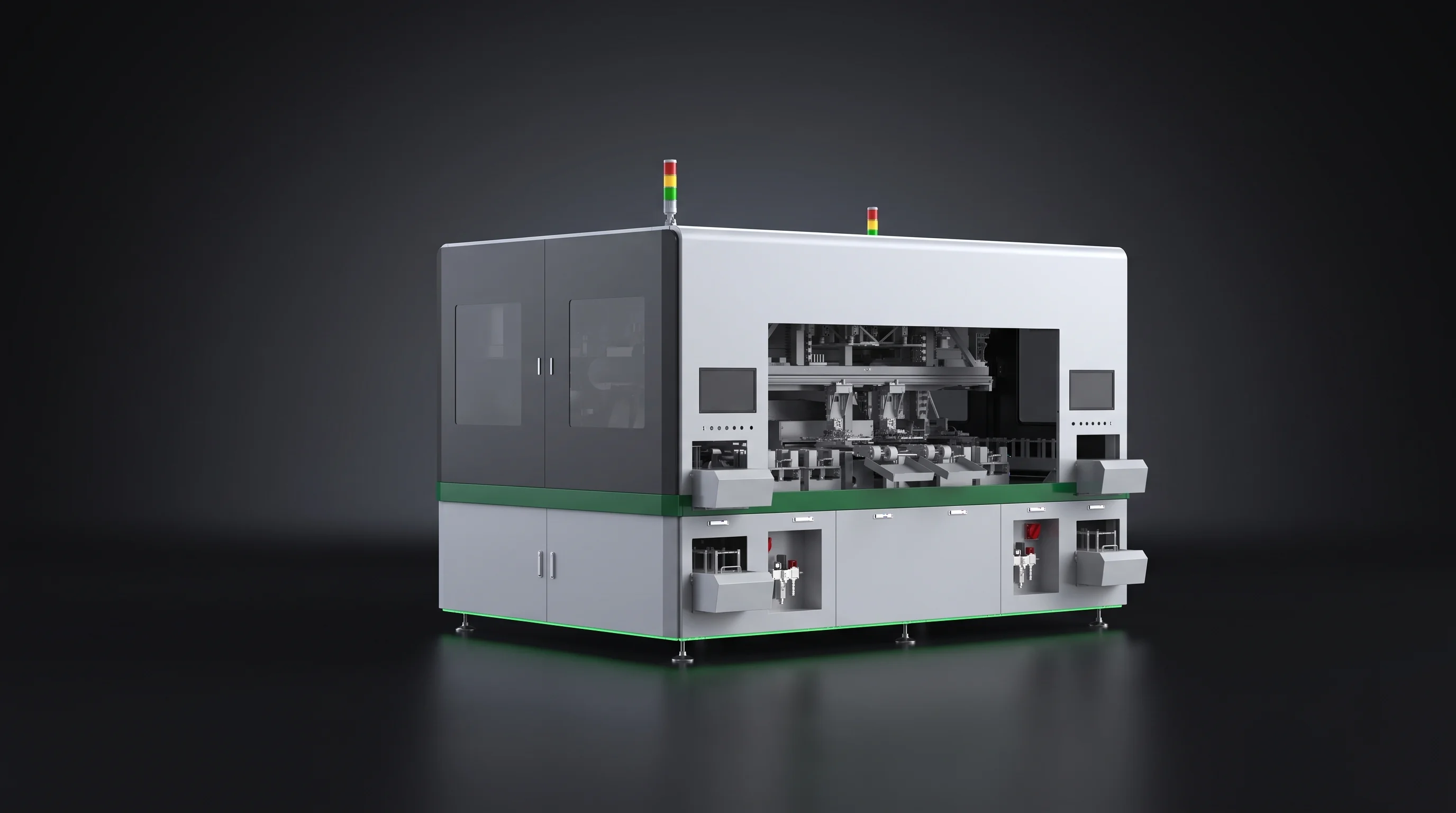
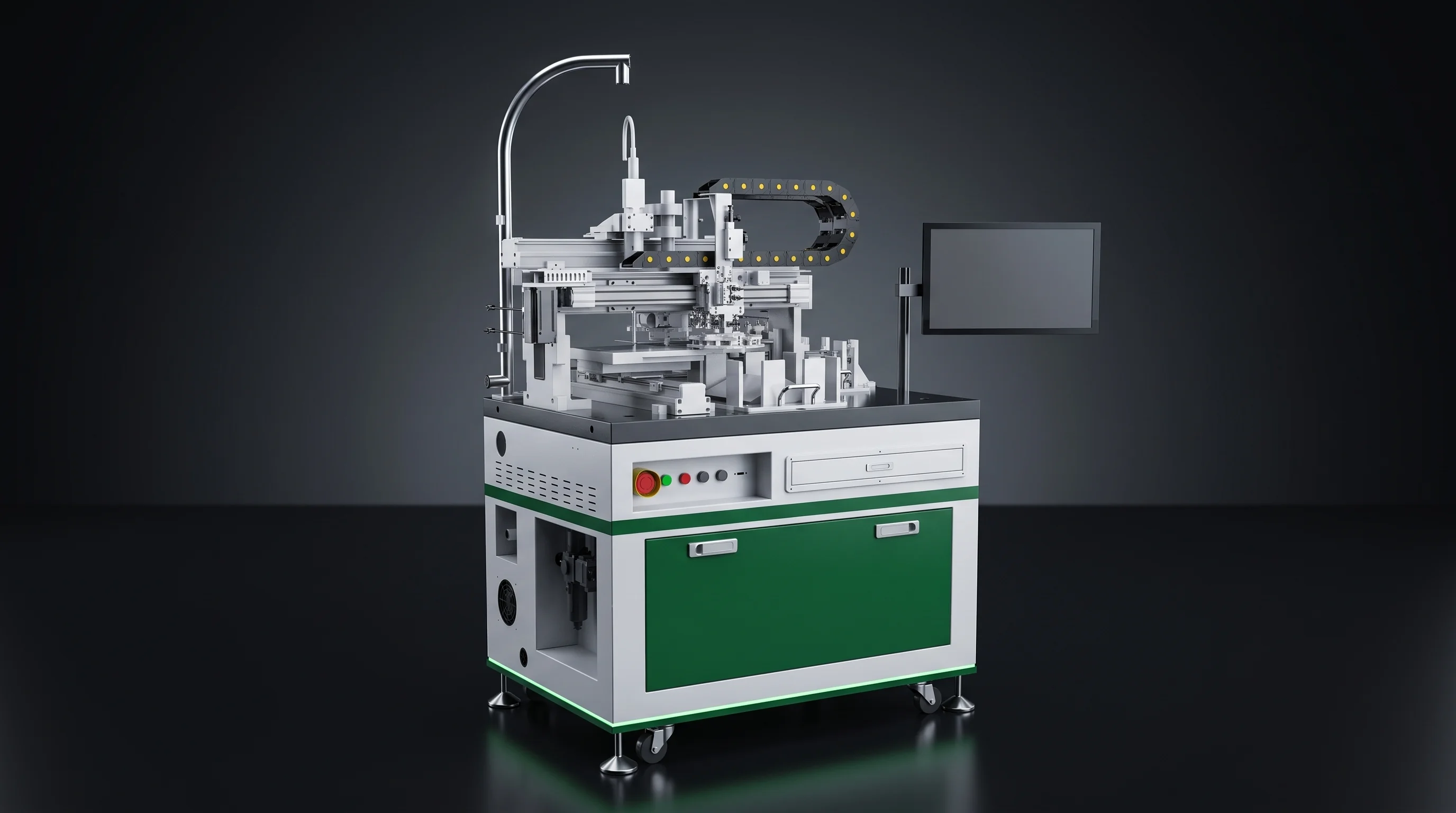
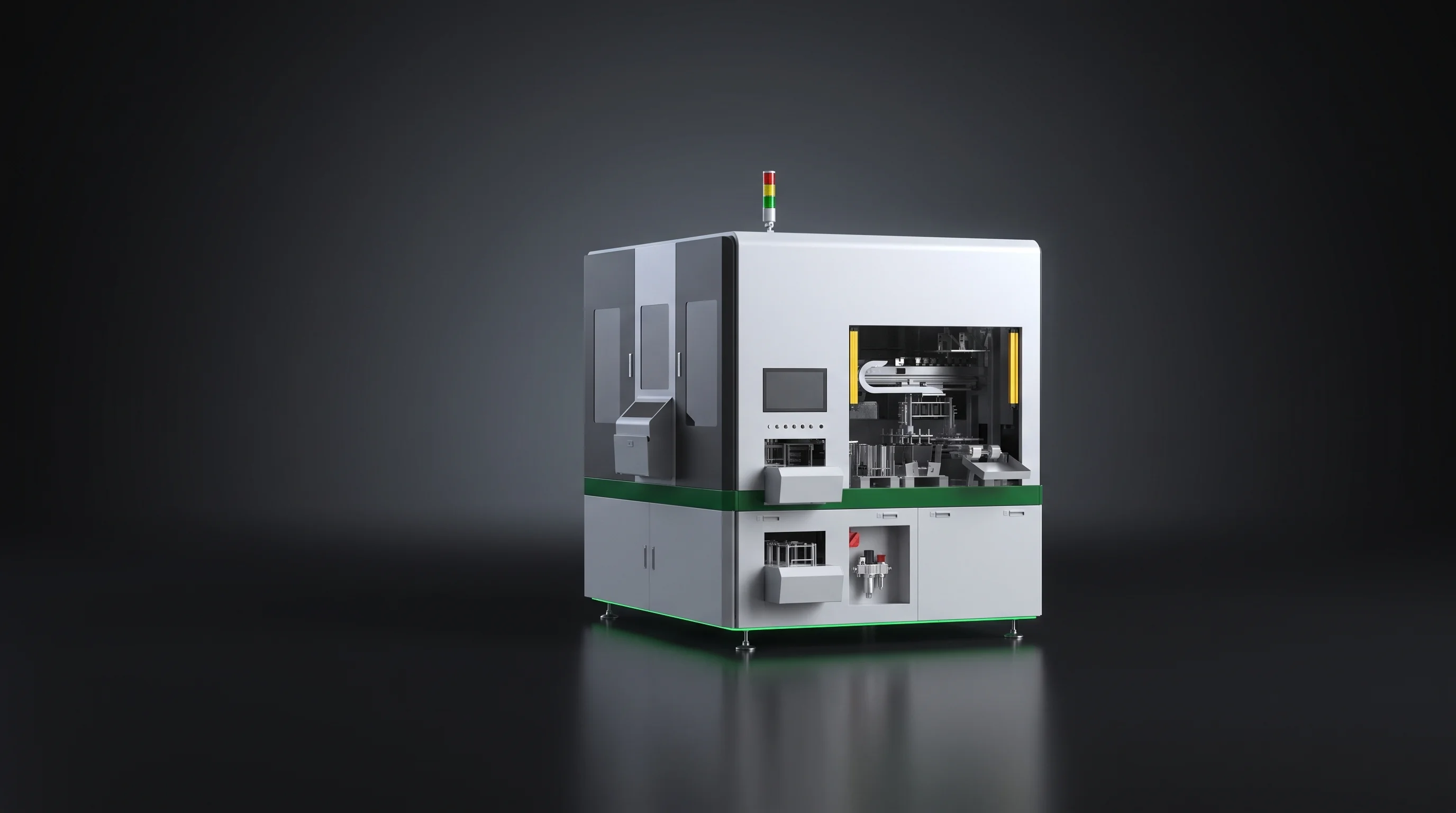
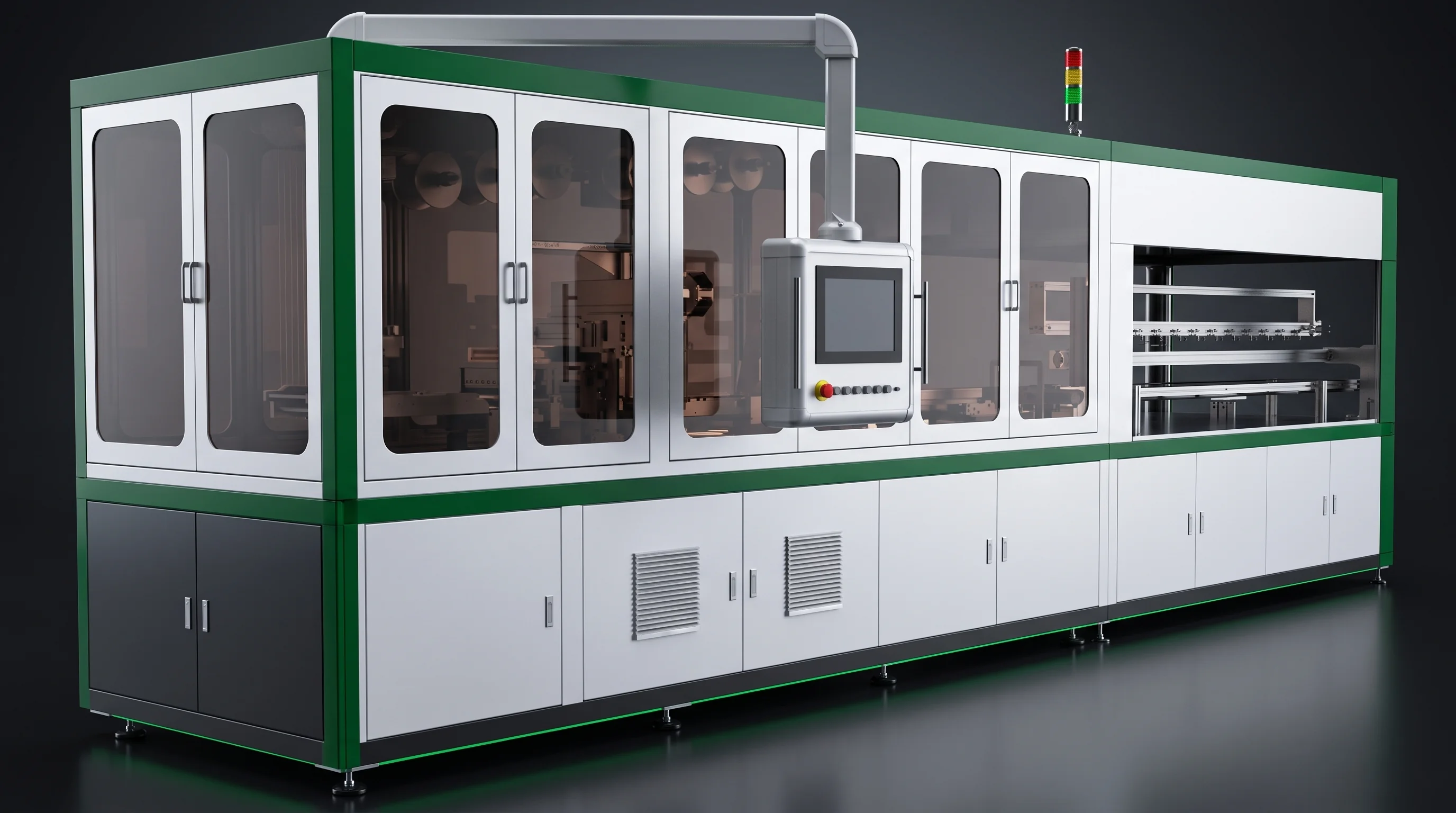
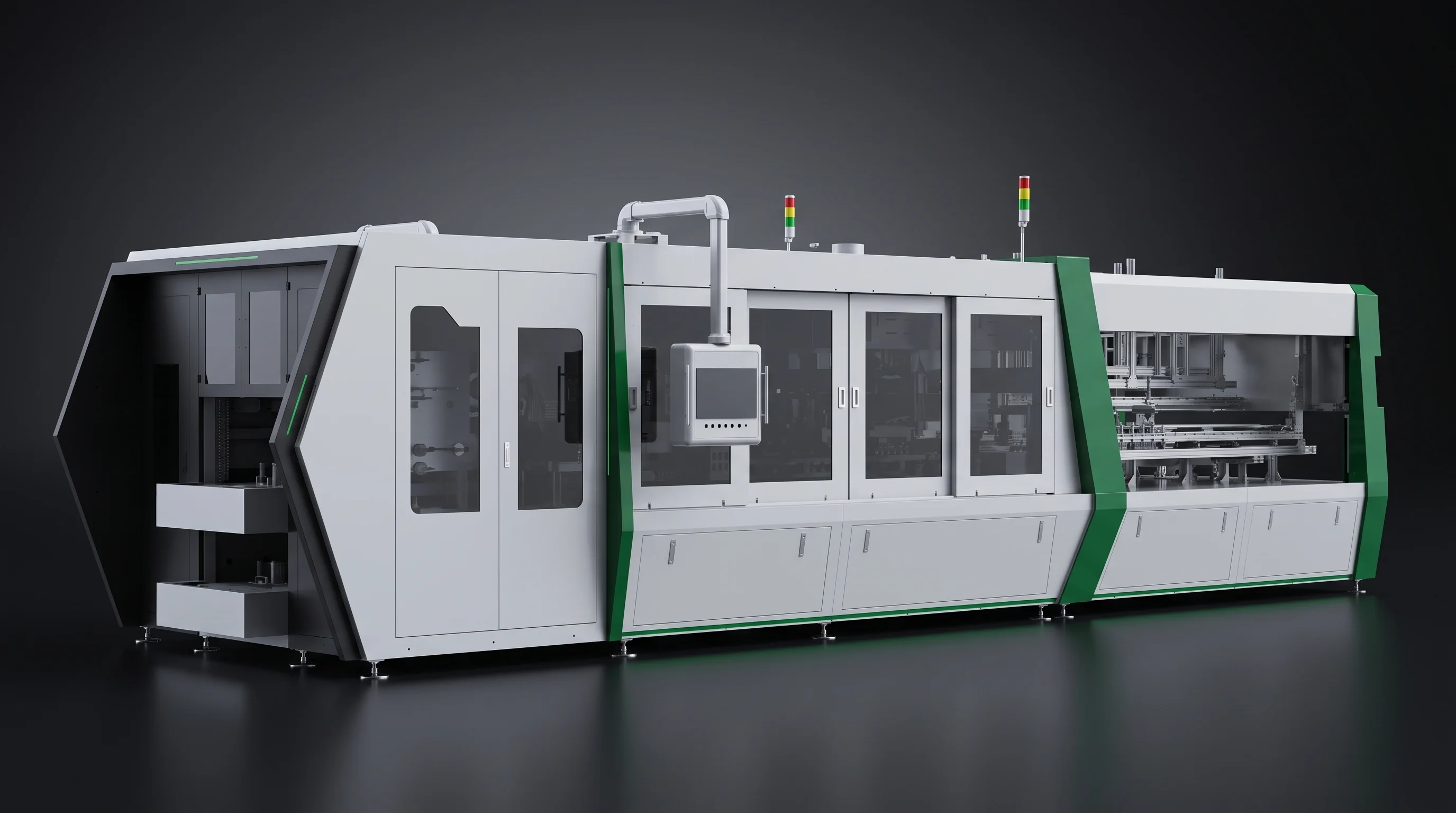
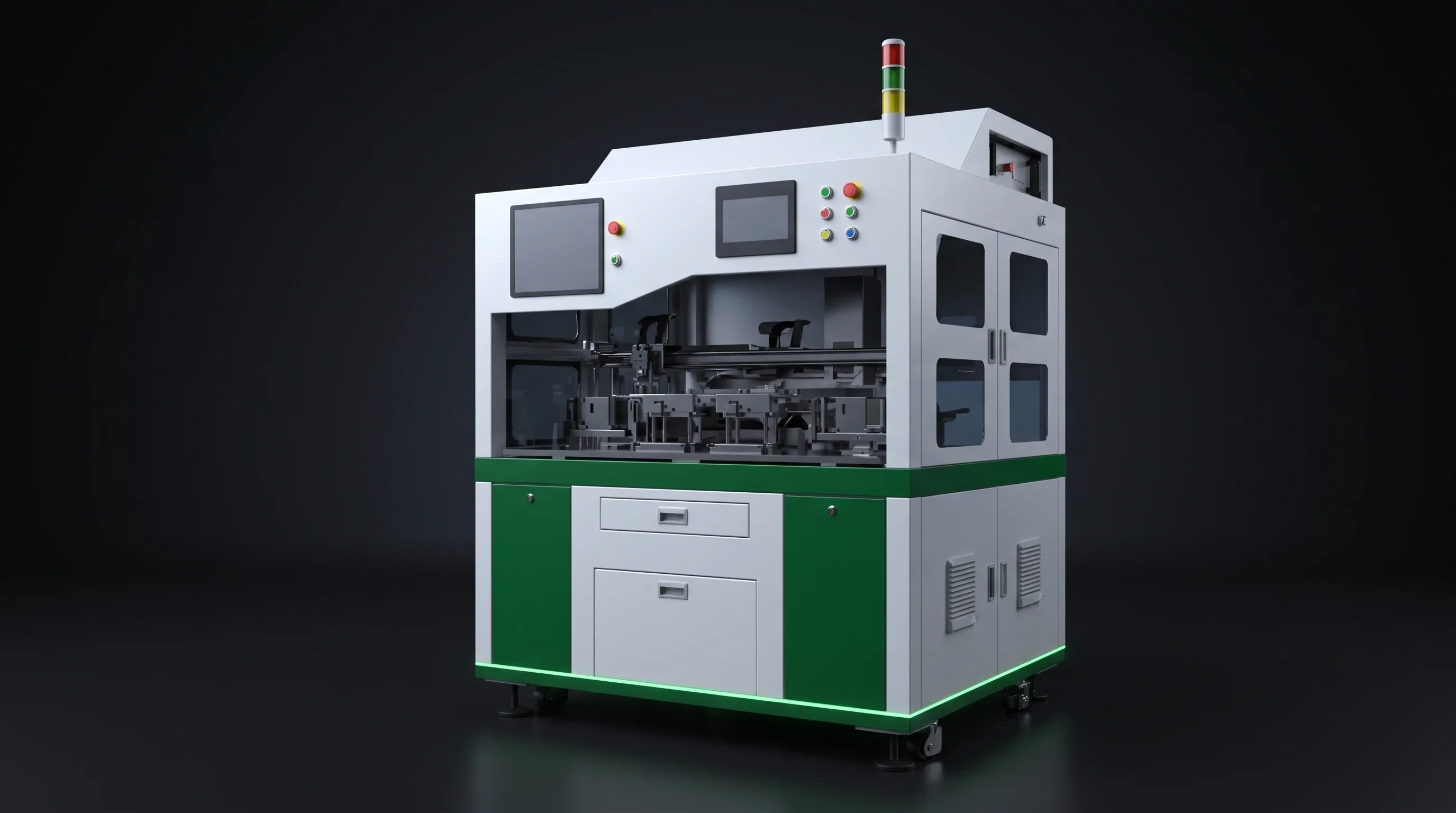
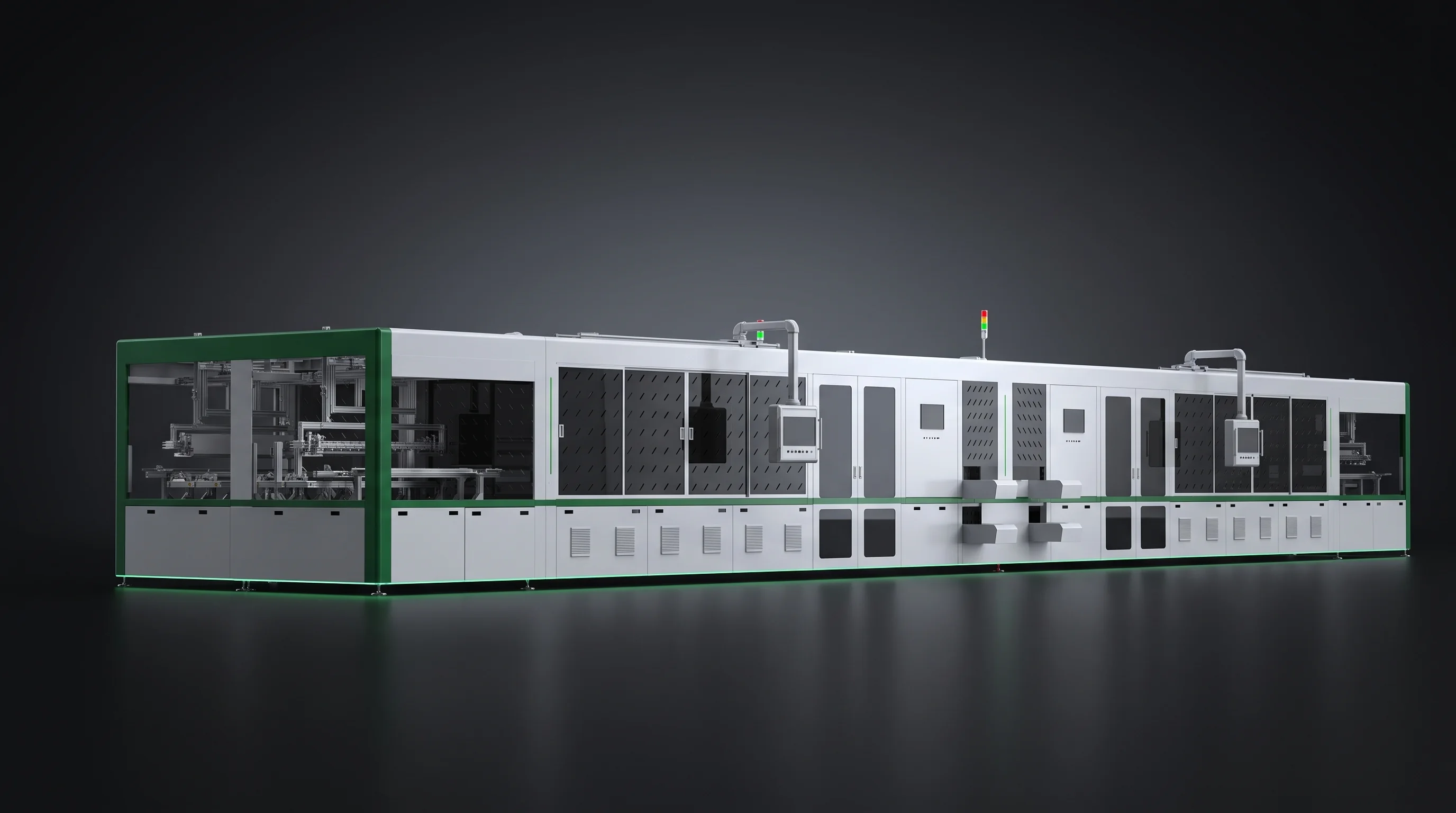
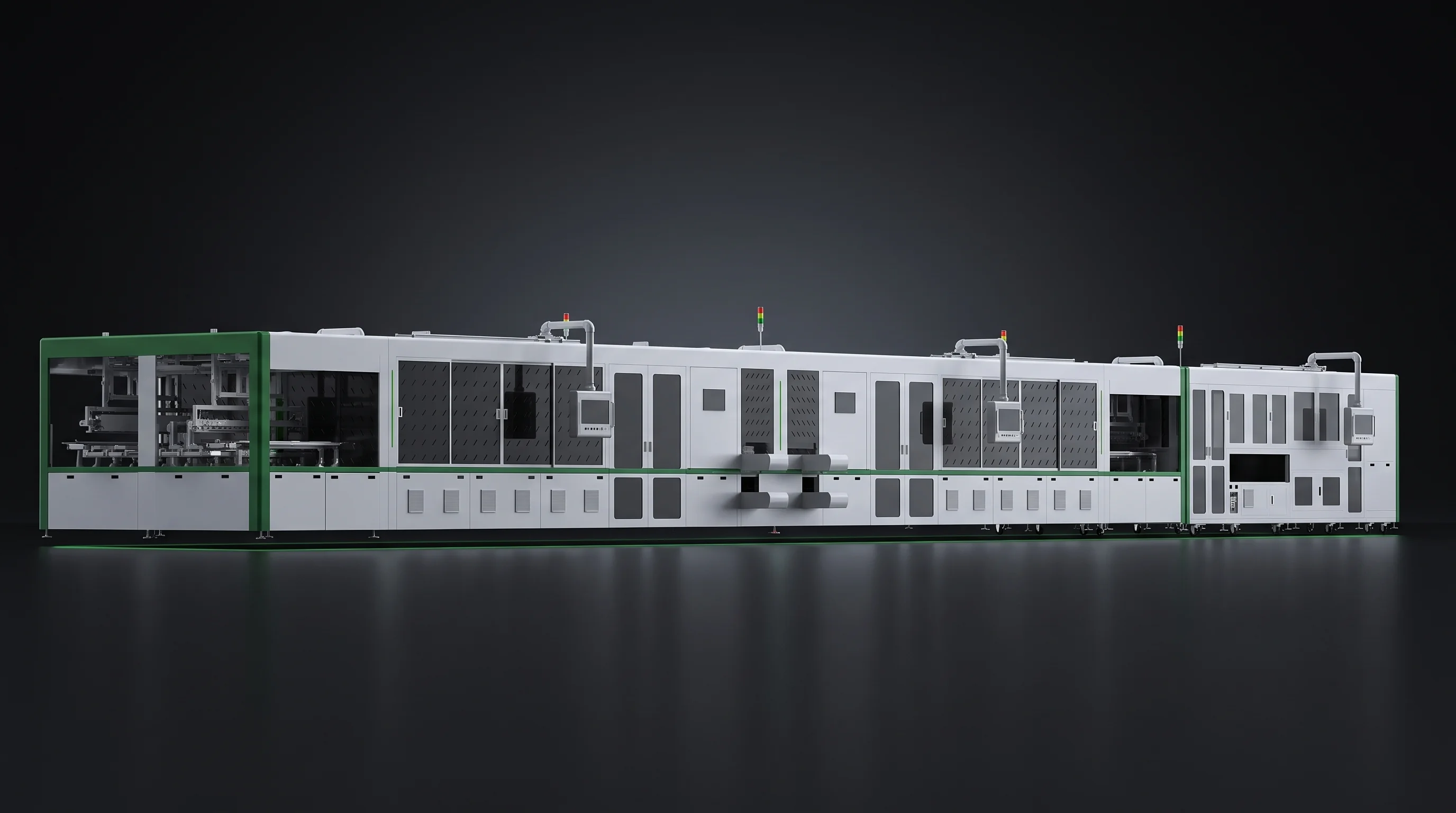
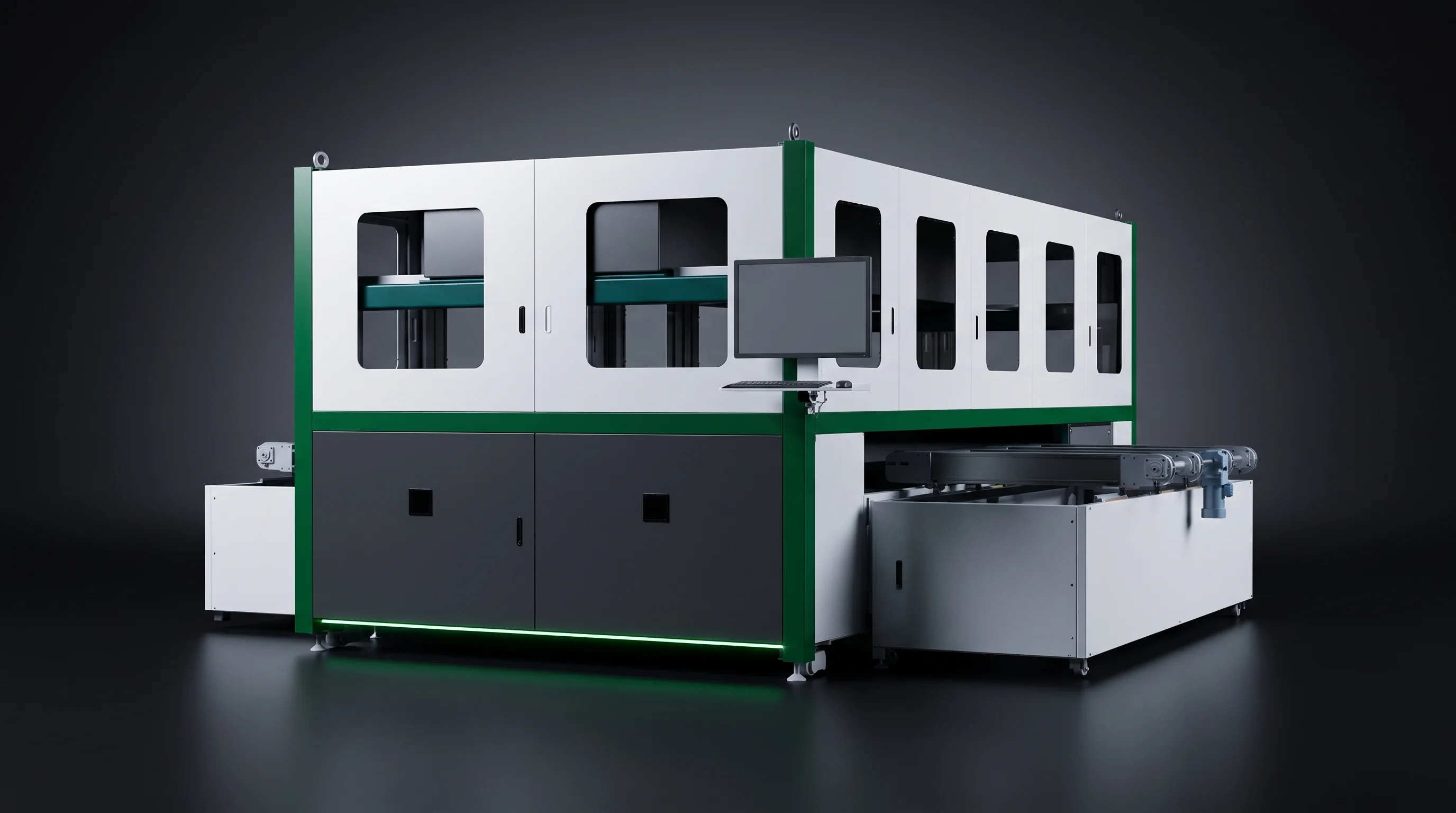
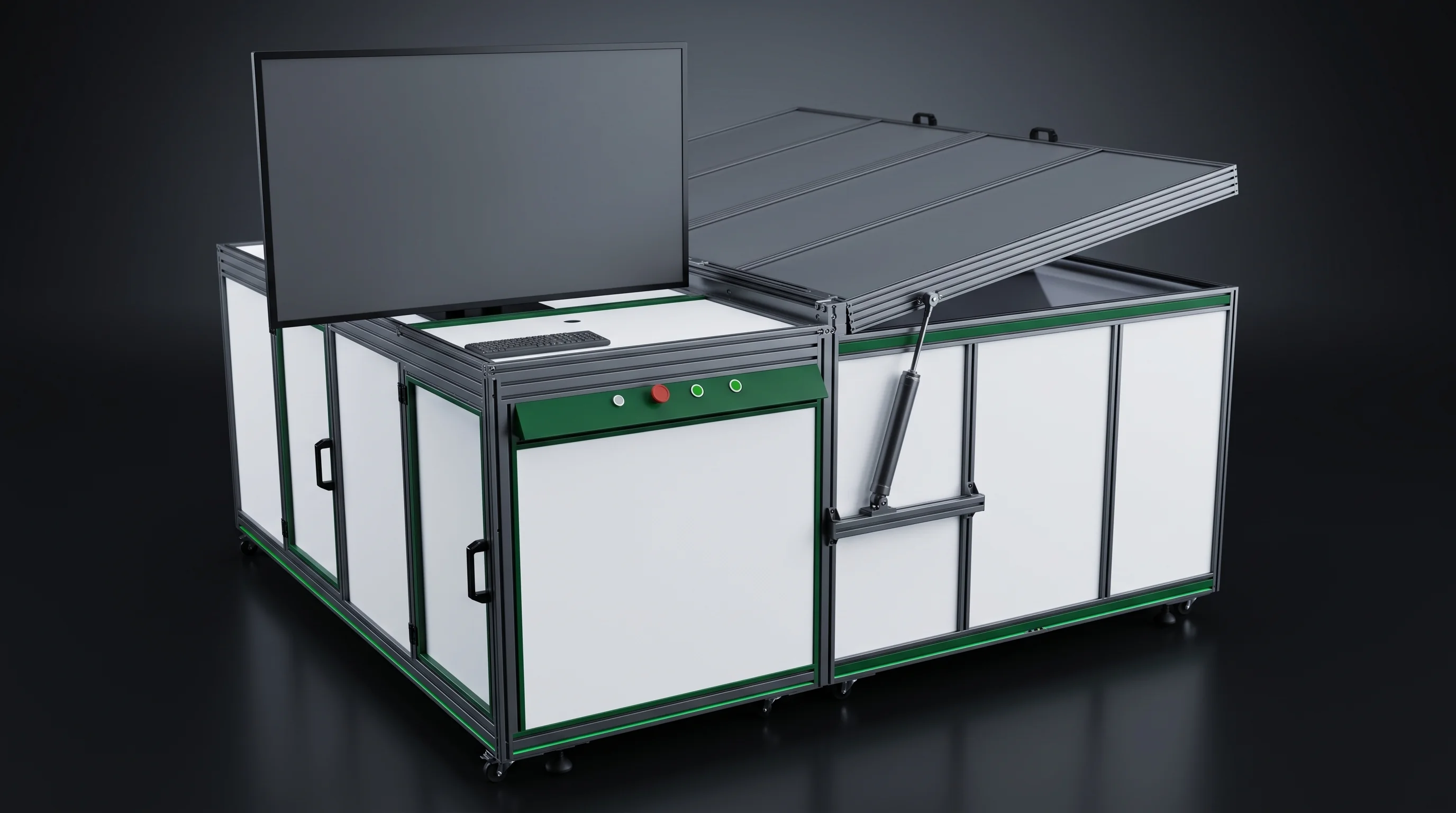
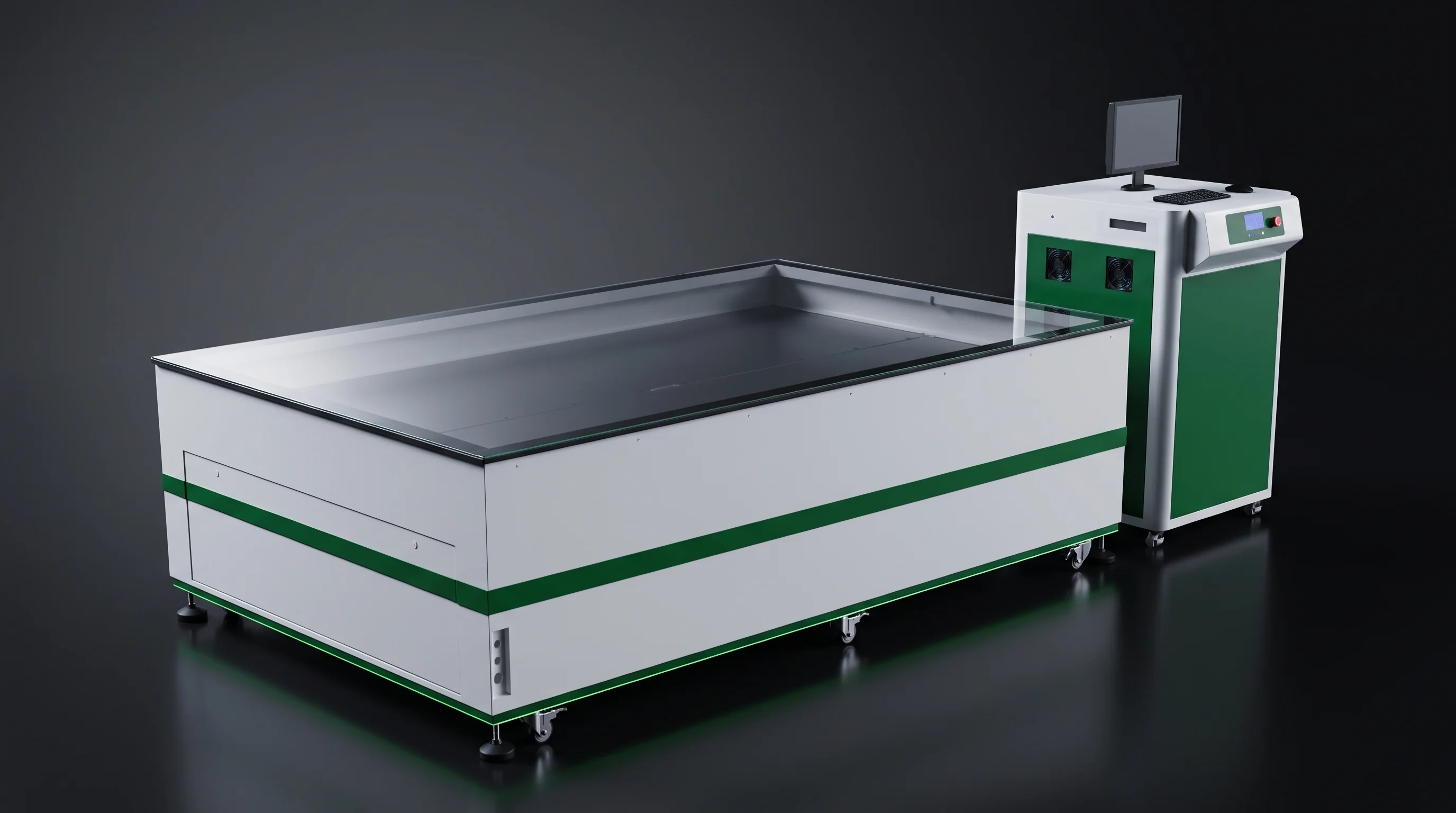
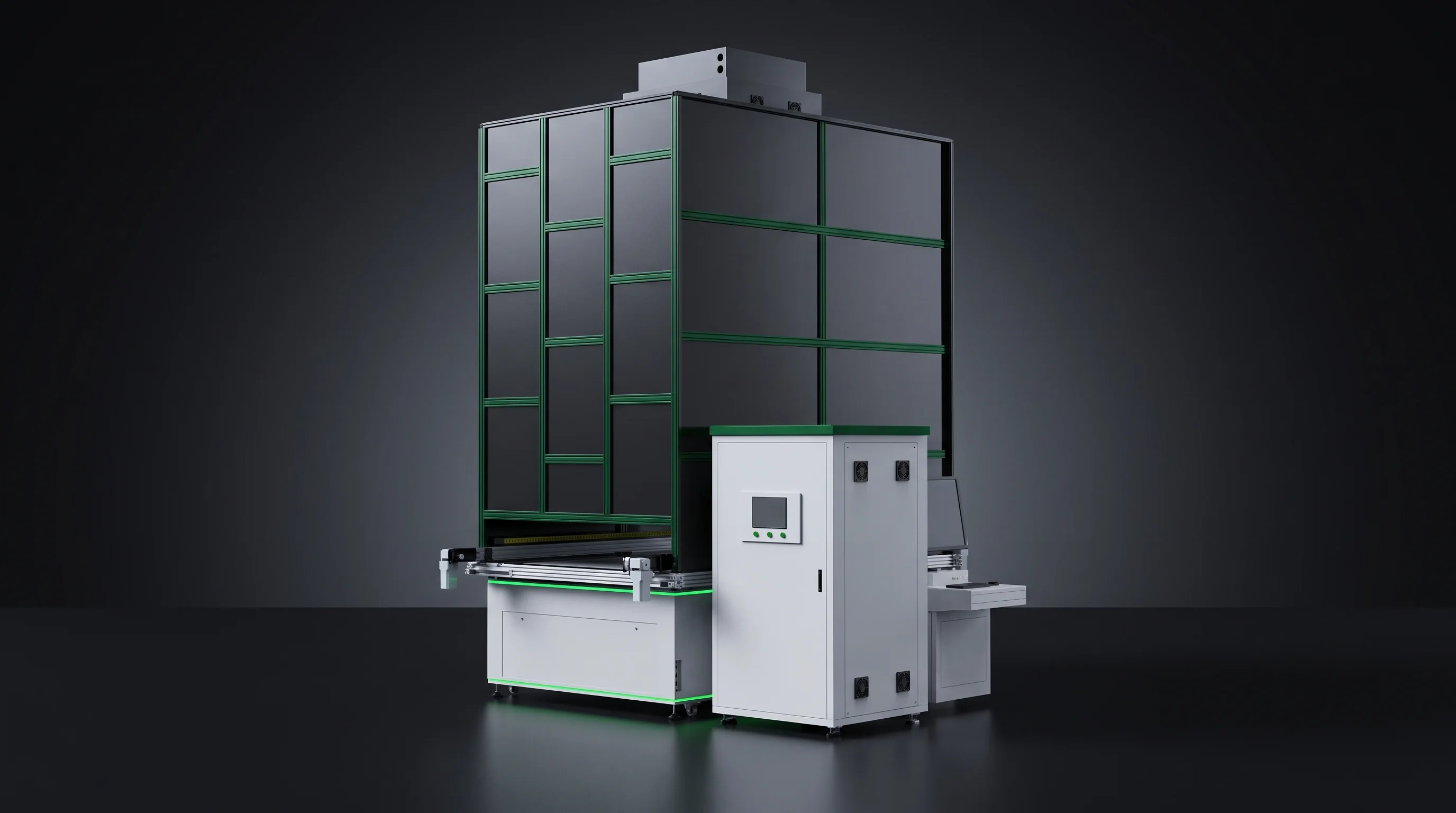
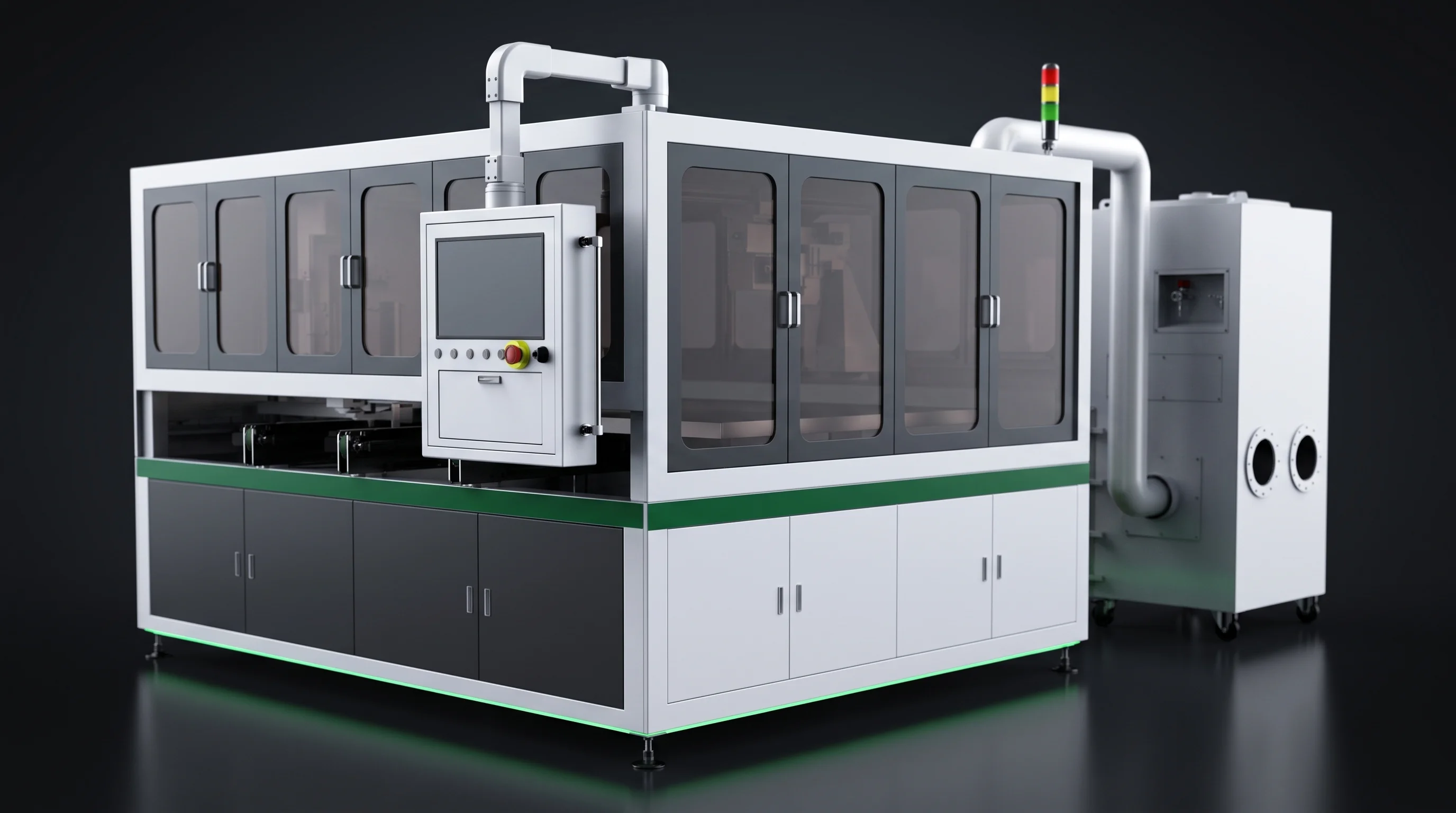
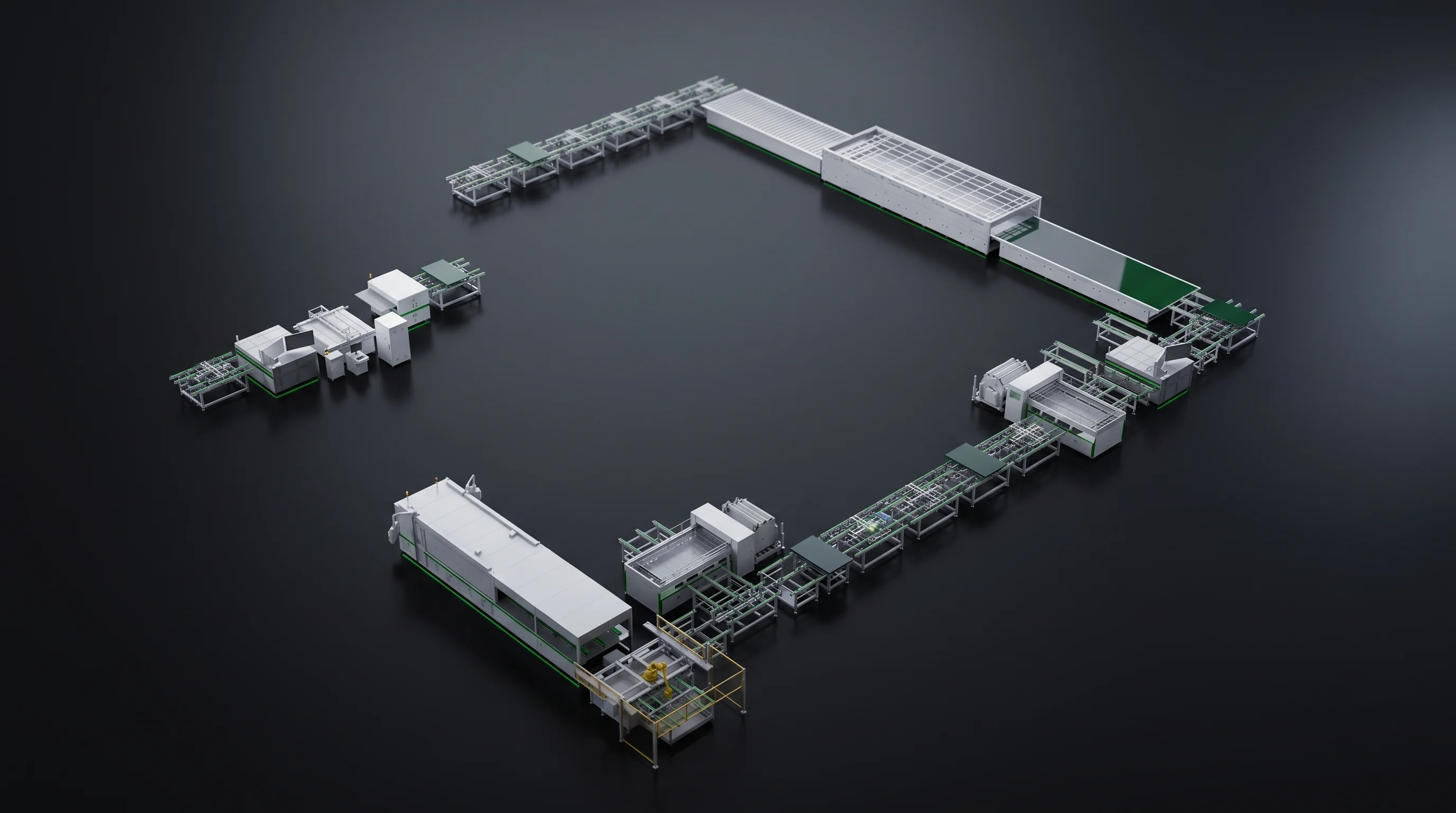
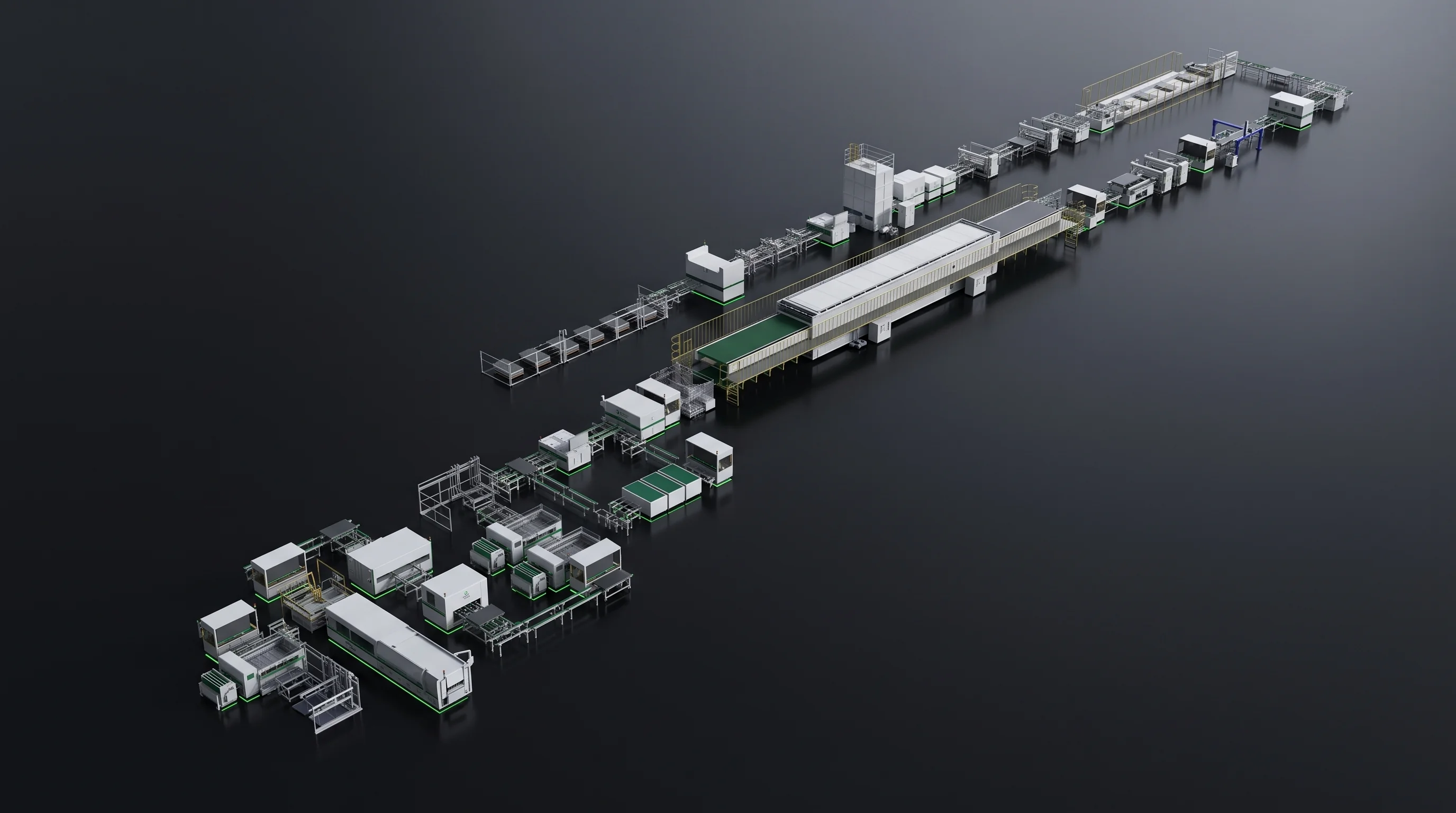
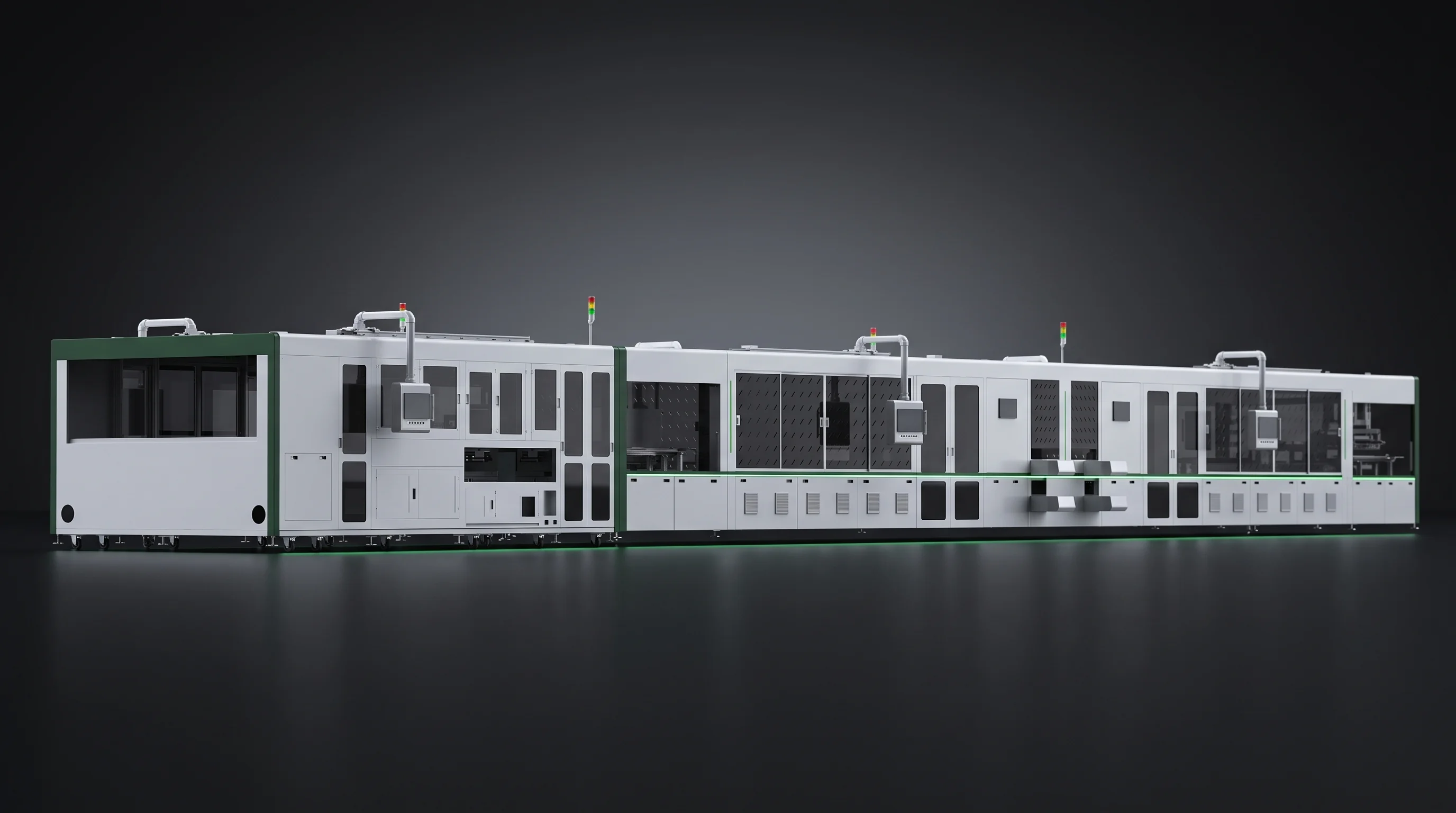
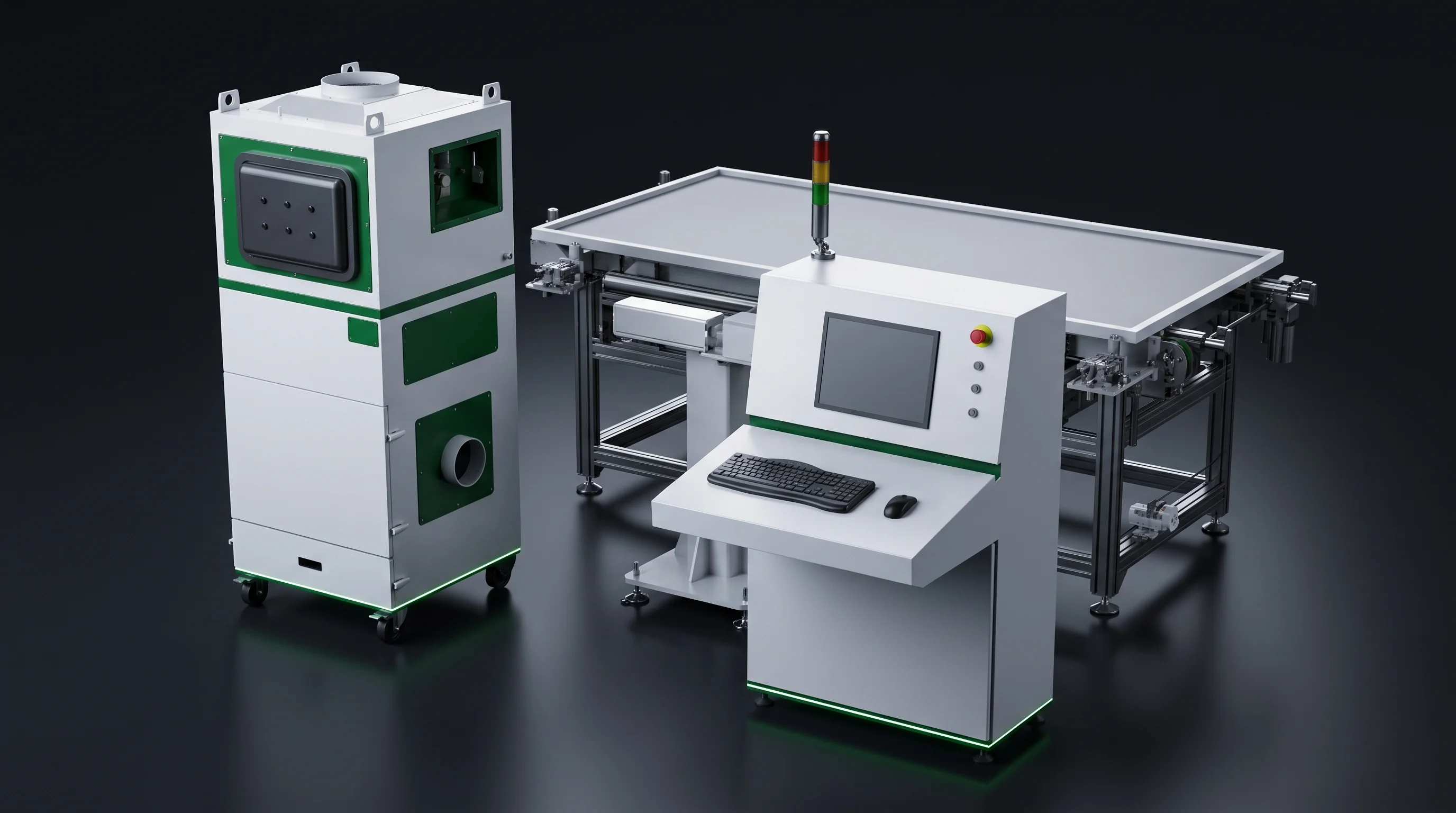
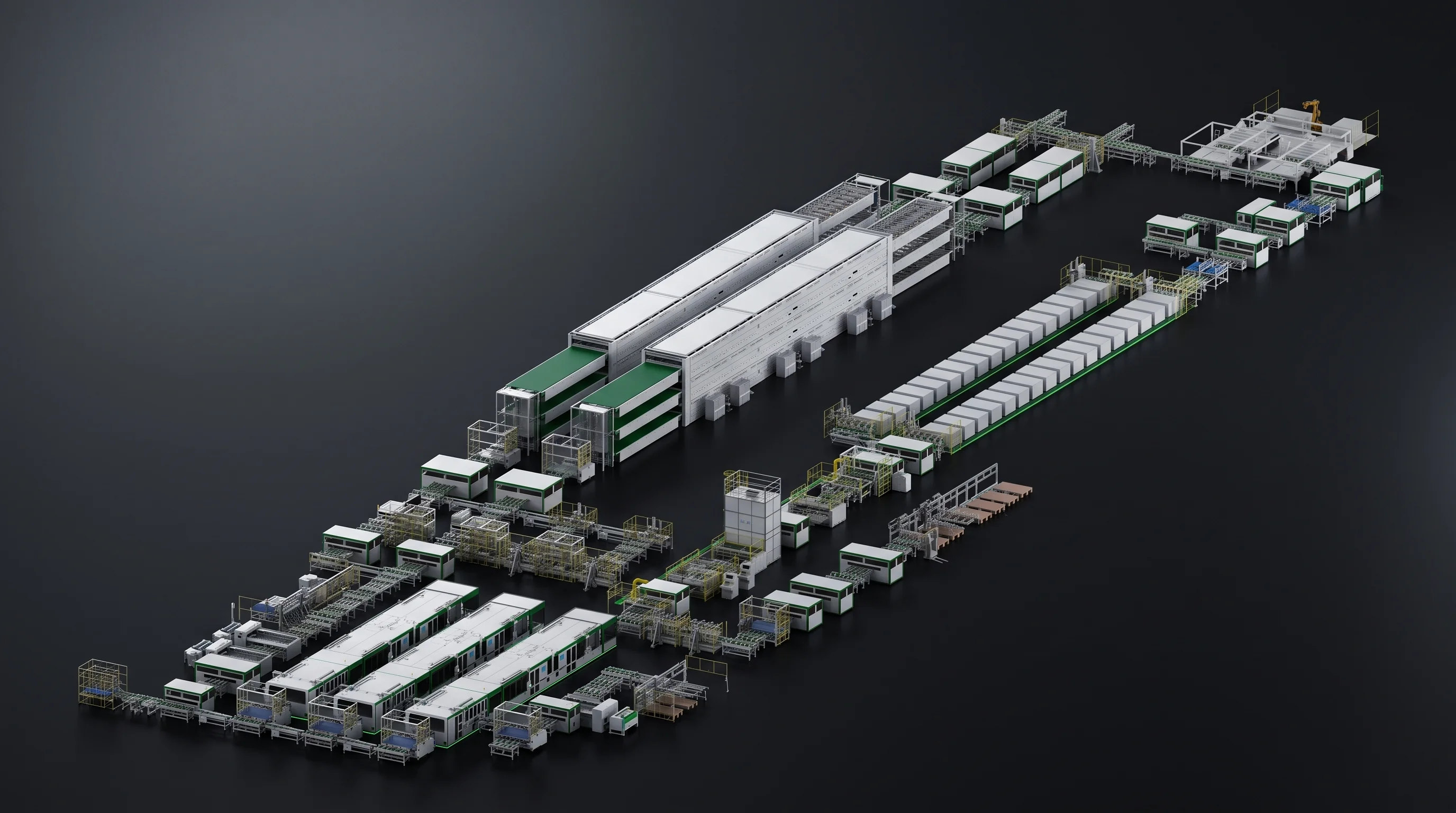
A crystalline-silicon module assembly line running, seen down the front of the scribing and stringing stations
One line · two routes fork at two stations

BC or TOPCon / PERC

Choosing a Route Changes a Few Stations, Not the Whole Line

You do not choose a route by picking a machine — you choose it from your cell and your module design, and the line follows. The front and back stay the same on both routes; only two stations in the middle behave differently. Read where your route forks, then open that station.

Same line — two stations fork, the rest is shared Cell in Scribe String Scribe String BC route TOPCon / PERC route Module out
Shared spine — both routes The two stations that change

Neither branch is drawn heavier than the other, on purpose — BC and TOPCon / PERC are two parallel routes, not a better one and a worse one. The higher number on one station is not a verdict; it is a capacity figure you plan around. Layup, bussing, test and marking are route-blind and stay merged as one.

What this page is for

What This Page Answers, and What It Will Not Decide

This page has one job — to show which stations move when the route moves. It is deliberately not a recommendation. Read it to plan a line, not to be told which route to run.

If the route itself is still open, that is a conversation about your product, not a number on a page — send the module design and we walk the trade with you →

Station by station

What the Route Changes, Station by Station

This is the one table that lines the two routes up station by station. Read down the column for the route you are on; then read across any row — each row here is a station that changes, and the machine that changes with it is one click away.

Stations that behave the same on both routes are not in this table — one that never changes tells you nothing about the choice, and its parameters live on the machine pages.

Station on the lineBC routeTOPCon / PERC route
Scribing — one machine, run two ways≥4800 pcs/h on BC cells≥6800 pcs/h — about 42% more on the same scriber
Stringing — a route-specific machineThe BC stringer: adds negative pitch, −1 to −0.5 mm, and holds placement to ≤±0.05 mmA positive-pitch stringer, placement to ≤±0.1 mm
Thinnest cell the stringer is drawn forDown to 110 μm on the BC machineThe entry machine holds to 120 μm
The bench the route draws fromSML-S60 stringer + SML-C72 scriber, plus BC-only variantsSML-S40 and SML-S15 stringers + SML-C20 scriber — a wider bench

Two rows carry the weight. Scribing throughput is a capacity fact you budget around; stringing is a hard machine boundary, because the stringer is the one station built for a single route. The thin-cell floor and the wider bench mostly follow from those two.

The route does not rebuild the line. It re-rates one station and re-machines one more — everything else is already the same.

What does not move

The Line and Its Boundary Are the Same on Both Routes

Before the differences, place what does not move. Both routes run the same six stations in the same order, and cover the same slice of the factory — cell in after the plant receives it, marked module out. The route changes machines inside that boundary; it never changes the boundary.

in out 1Scribe 2String 3Lay up 4Bus 5Test 6Mark

The sequence is identical and the scope is identical: we start at the cell entering the plant and stop before lamination, on both routes. So comparing routes means comparing a handful of machines at fixed positions — not two different lines.

The capacity account

The Same Scriber Runs at Two Throughputs

Here is the one difference worth reading in full before you plan a line, because it is on no single machine page: the scriber does not run at one speed. The same laser scriber is rated for two different rates, and the route decides which one your capacity model has to use.

The SML-C72 is rated ≥4800 pcs/h cutting BC cells and ≥6800 pcs/h cutting TOPCon / PERC — the TOPCon / PERC figure is about 42% above the BC one, on the identical machine. Read that as a planning fact, not a scoreboard. Budget one scriber for the scribing station: on the TOPCon / PERC route it clears cells at one rate; put the same crate on the BC route and it clears them at roughly seven in ten of that rate.

The equipment cost did not change and the machine did not change — the number your capacity model must use did. Size the downstream stations, the buffers and the shift plan against the TOPCon / PERC rate, then run BC through the same station, and the scriber quietly becomes the station that sets your line's pace. That is the whole point of putting the two numbers on one page: switch routes and the scribing station's throughput is a different figure, so the account has to be redone rather than carried across.

The gap is not a flaw and not a verdict. A BC cell is thinner and more fragile, and the careful, lossless cut that keeps it whole is a deliberate choice — the BC rate is what that cut costs, by design, not a slower machine.

Where it goes wrong

A capacity model built on the TOPCon / PERC scribing rate, then reused unchanged for a BC line, over-promises the scribing station by roughly that same 42% — and the shortfall surfaces as a bottleneck at the first station, after the line is bought.

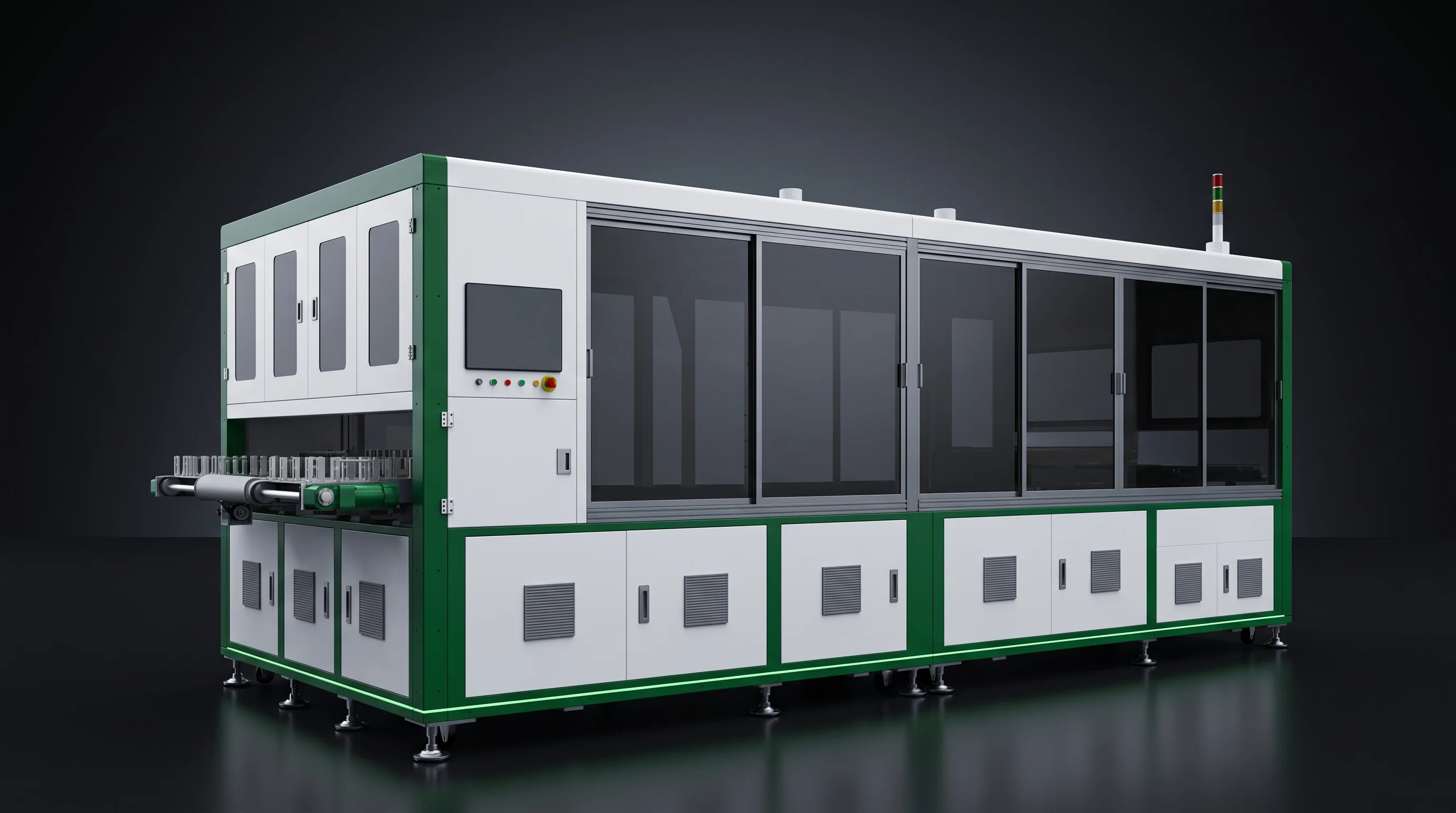
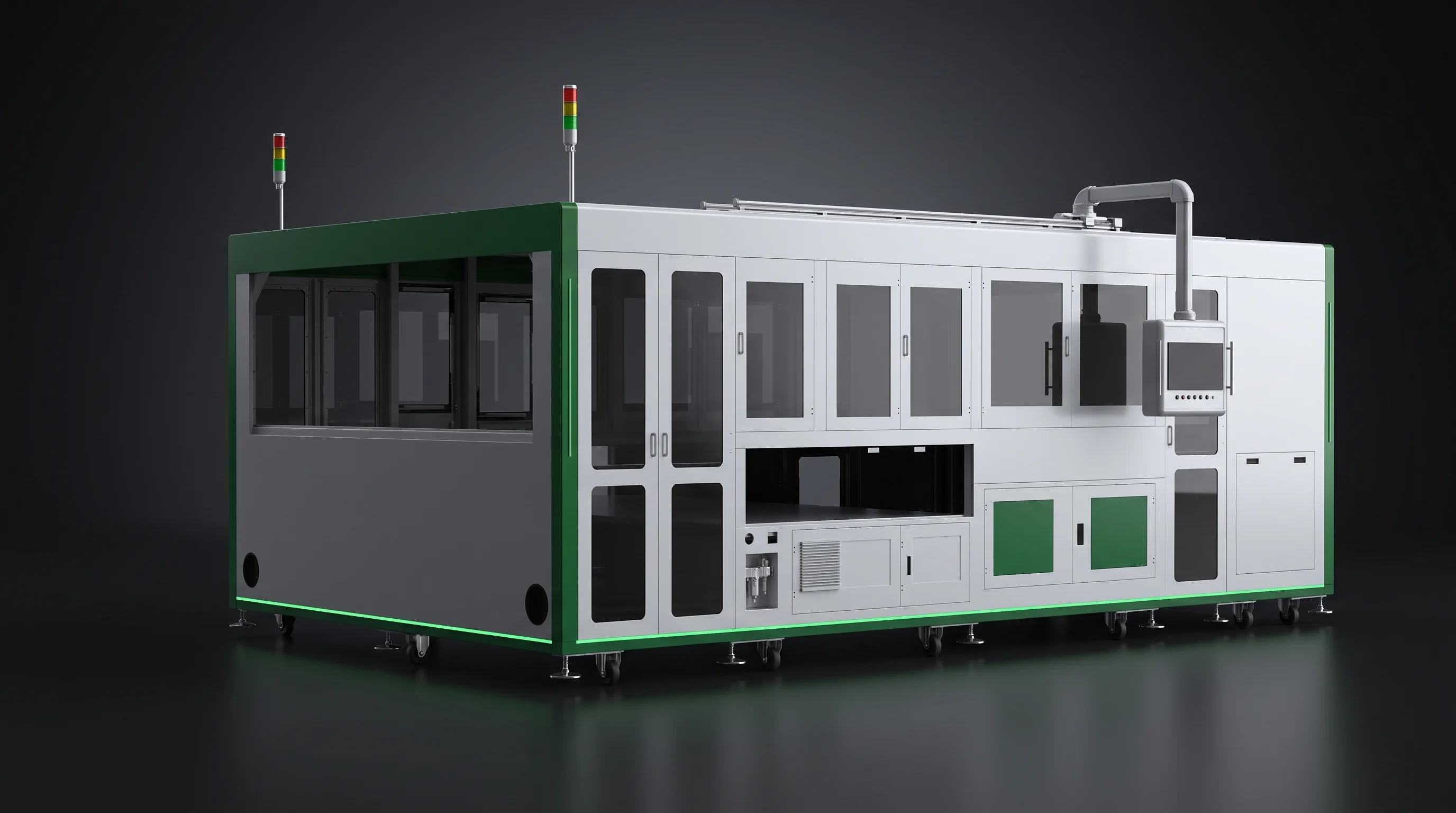
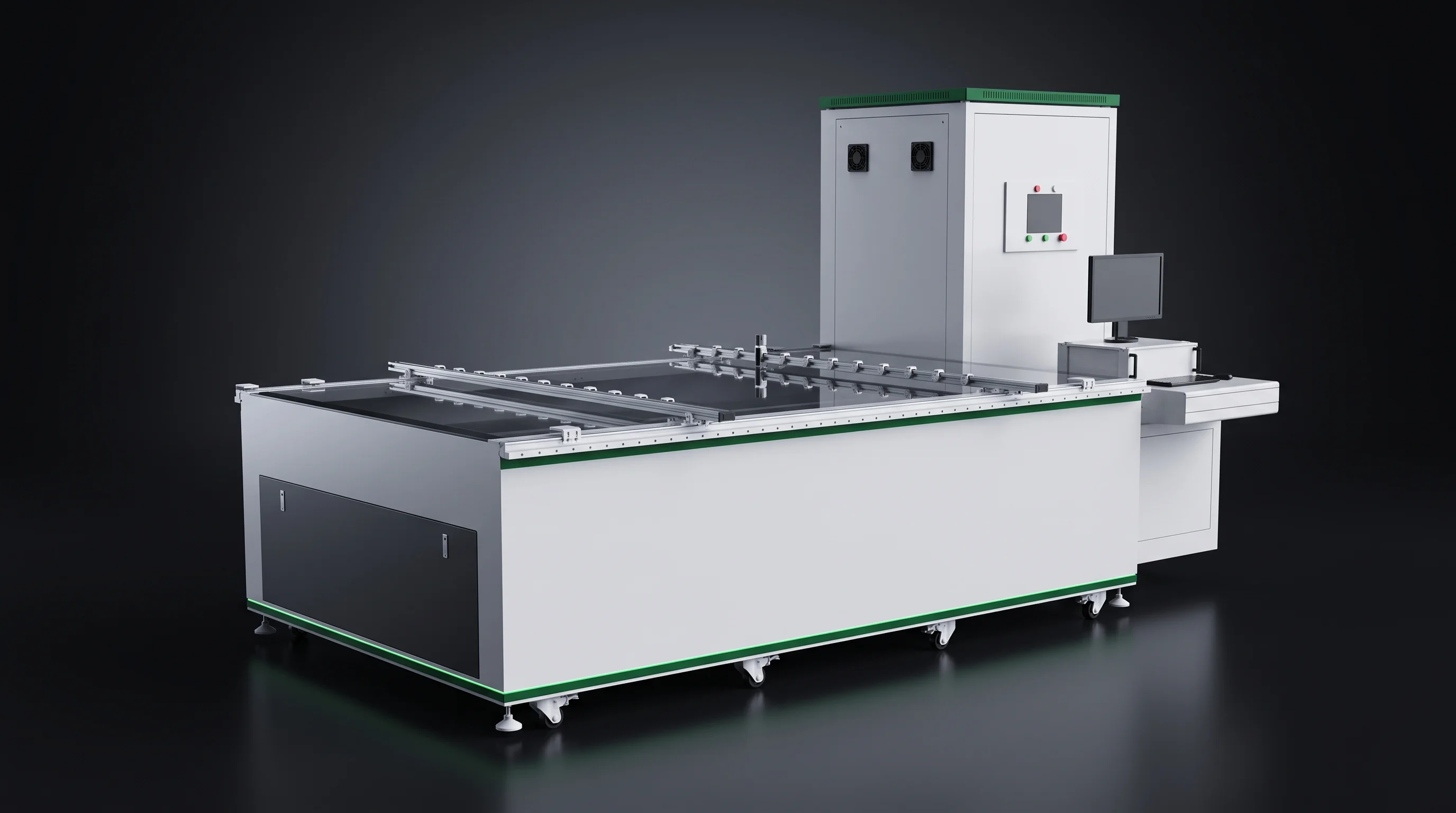
The laser scribing station of a module line, whole cells feeding in and separated cells leaving
≥4800 BC route ≥6800 TOPCon / PERC pcs/h · same SML-C72 · one scale

Same machine, same price — a different number in your capacity model, decided by the route.

The common floor

What Both Routes Share, in Fixed Numbers

Some figures do not move with the route at all, and those are the ones you can carry straight across a plan. See them together once, so your attention stays on the four stations that do change.

≥95%
Rated utilization — defined the same way, held on both routes
156–220 mm
Span of cell sizes the range covers, whichever route you run
By tooling
Changing cell format on either route is a tooling change, not a new machine

Read these as the common floor, not a tie-breaker. Where the routes genuinely diverge — scribing rate, the stringer, the thin-cell floor and the bench of machines — is exactly the four rows on the table above.

The forking station

On BC, the Stringing Station Gains One Capability

Of the two forking stations, stringing is the one where a route can decide the machine before rate or budget enter the room. On the BC route the stringing station gains a placement geometry the TOPCon / PERC stringers do not have.

The BC stringer can lay cells at negative pitch, −1 to −0.5 mm, packing them edge to edge, where the positive-pitch machines can only leave a gap. What matters at the line level is the consequence, not the mechanism: if your module design packs cells densely, the route has already chosen the stringer for you, and rate and budget do not get a vote. If your design leaves a normal gap, this capability does not apply and the other rows decide.

See the tabber-stringer selection page for how pitch is placed
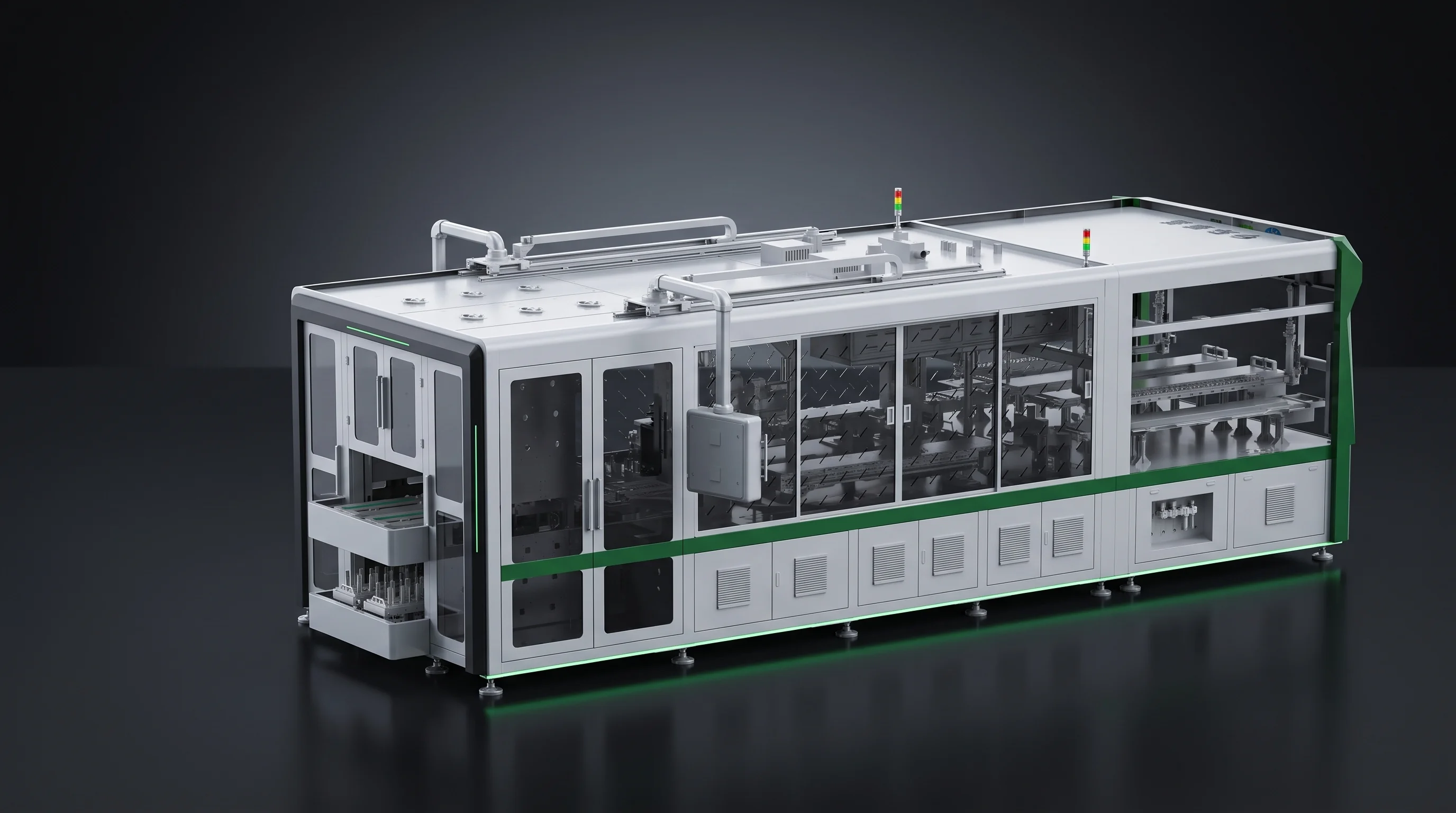
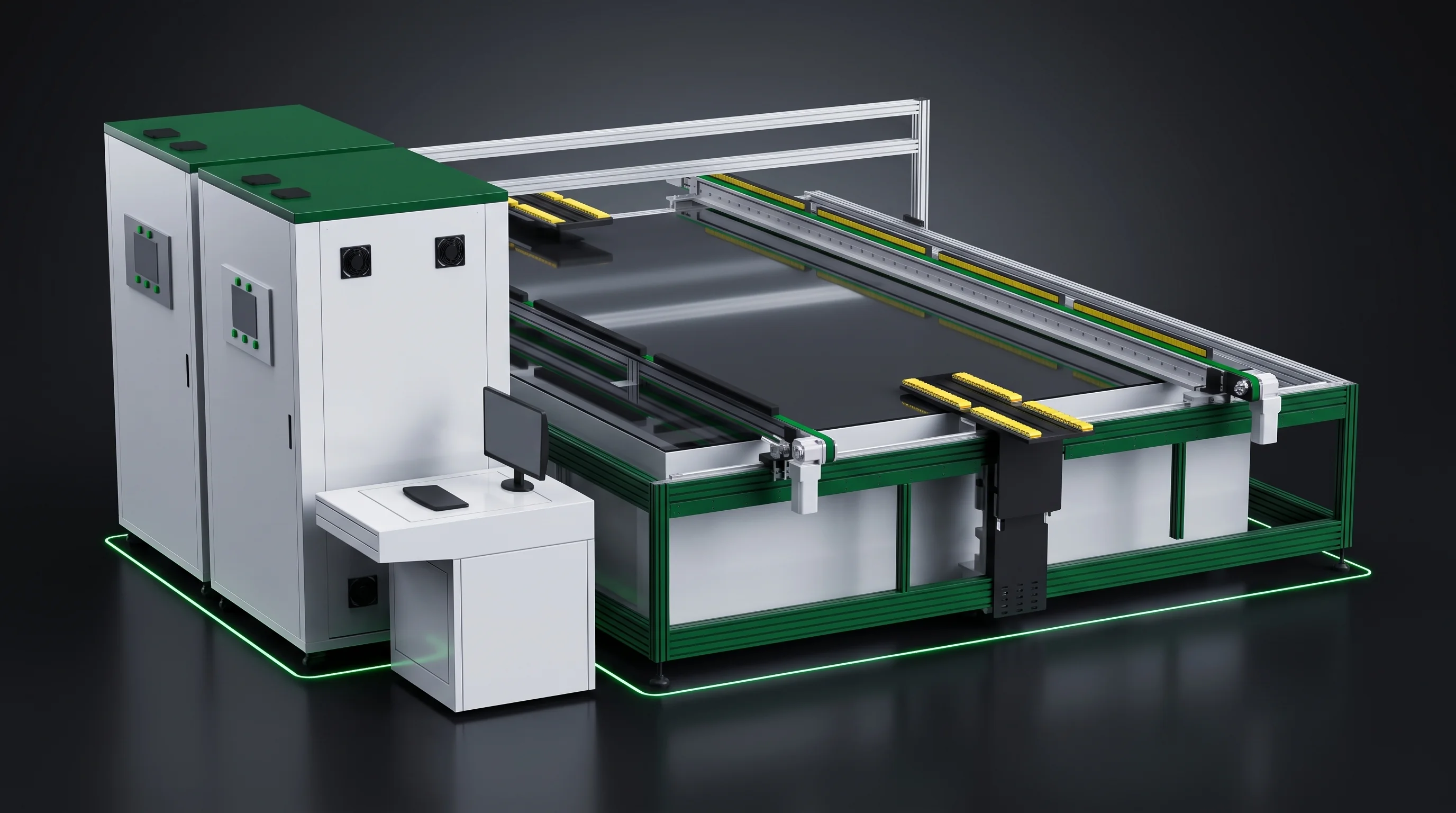
Cells laid edge to edge at negative pitch on the BC stringing station

A dense, overlapping module is the design that settles the stringer before any number does.

Changing route later

Change Route Later, and Most of the Line Carries Over

A fair question before you commit: what if the route changes down the line? The honest answer is that most of the line carries over, and one station does not — so the switch is smaller than it looks.

Carries over

Layup, bussing, EL / IV test and edge marking are route-blind — the same machines run either route. The scriber carries over too: the SML-C72 takes both routes, so it is re-rated, not replaced.

Does not carry over

The stringer is the one station built for a single route — the BC machine and the TOPCon / PERC machines are different stringers, not settings of one. A route change there is a machine change, and dense-pack capability comes or goes with it.

So a route change is not a new line — it is one station re-machined and one station re-rated, with the rest untouched. What that swap involves in tooling and acceptance is the changeover page's subject, not repeated per route here →

The bench

Which Machines Each Route Draws From

Once the table has shown which stations move, here is the bench each route draws from — one line each, no specs, and the page for every machine one click away. Neither bench is the stronger one; each is simply the set of machines its route runs.

Route still open?

Route Still Open? Compare Within a Station

If the route itself is not settled, the fastest next step is not another route page — it is to compare the machines inside a single station, where the choice is concrete.

The stringing station selection page — three stringers side by side

Tabber-stringers — the forking station

Three stringers lined up side by side, including the one BC-only capability — the station where the route shows most clearly.

Compare the tabber-stringers
The scribing station selection page — two laser scribers compared

Laser scribers — the capacity station

Two scribers compared on method and rate — the station whose throughput this page's capacity account turns on.

Compare the laser scribers

One building, two routes

The Site Baseline Doesn't Change with the Route

Switching route changes the machines inside the building, not the building itself.

Floor load, compressed air, exhaust and the environment envelope are one set for both routes — the same four requirements, read from the same page, whichever route you run.

See line utilities and layout for the four, per machine

How it's accepted

A Two-Route Line Is Accepted Station by Station

Acceptance does not happen at the level of the line — it happens at the level of each machine.

Each machine is signed off against its own technical agreement's parameter table, so a line running both routes is accepted one station at a time — you hold a set of machine agreements, not a single whole-line one, whichever route each station serves.

See how each machine is accepted against its agreement

Between routes?

Send the Module Design and the Route

If you are between routes, the module design decides it faster than any more reading. Three things, and a station-by-station answer for your case comes back.

1

Send the module design

The cell type, size and how densely the cells pack — the details that place you on the table above.

2

Tell us the route and the rate

Which route your order book points at, and the throughput the line must hold.

3

We map the stations that change

A station-by-station map for your case, with the machine for each, back within 24 hours.

Reply within 24 hours
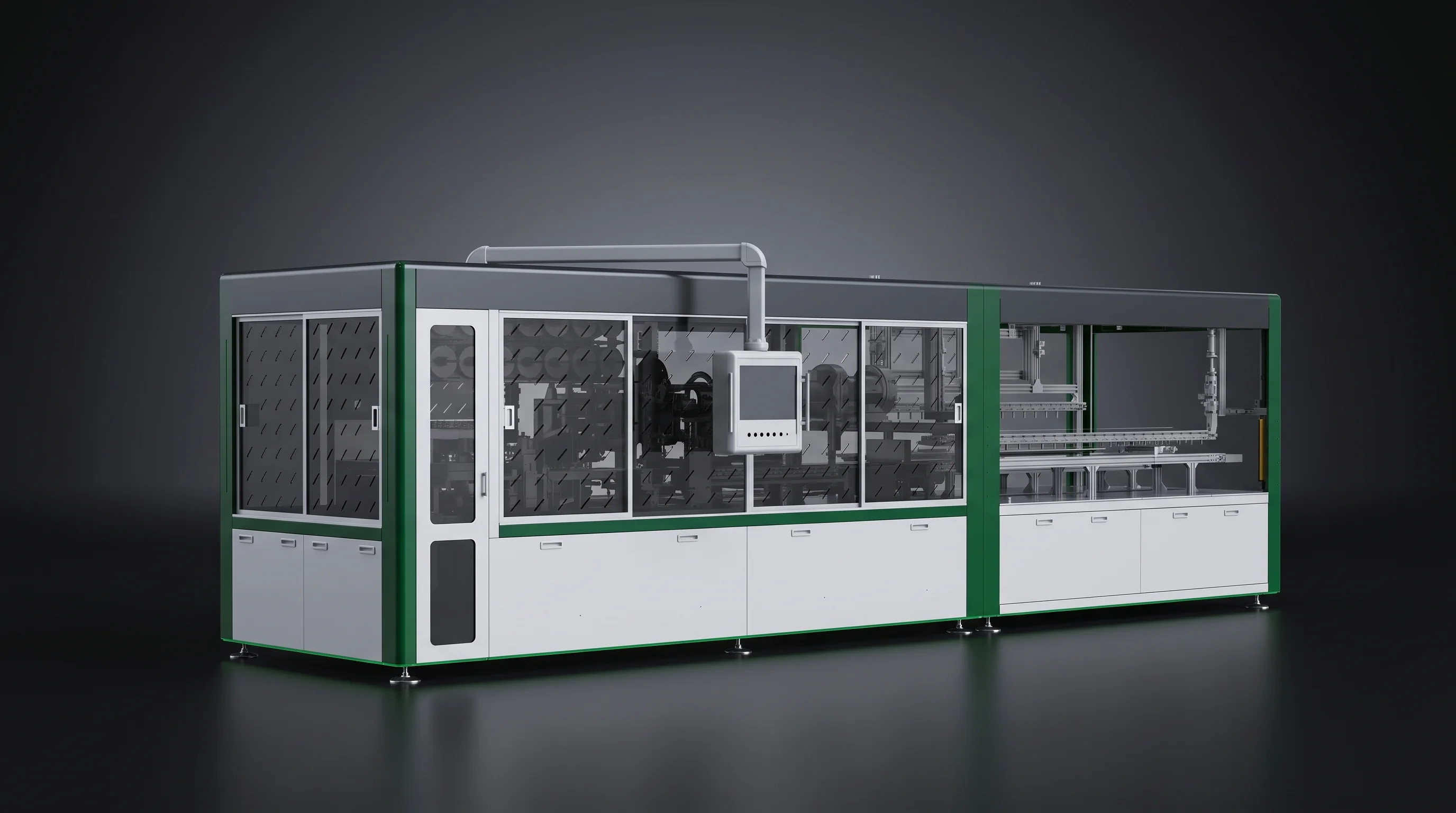
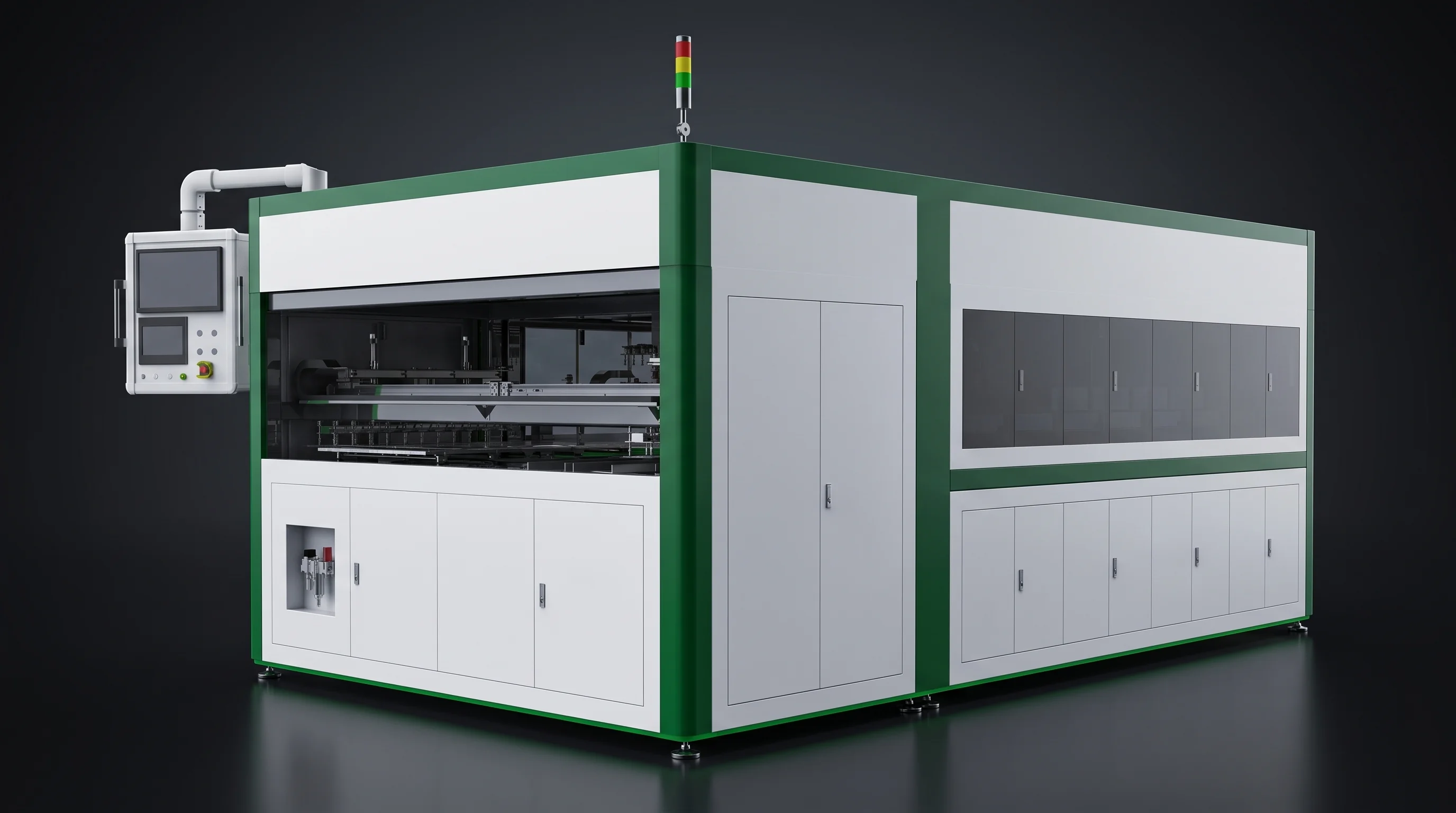
Depth view down a running crystalline-silicon module line at the scribing and stringing stations

Get the station map

Get the Station-by-Station Map

One module design in, one station-by-station map back — which stations your route changes, and the machine to open for each. The low-commitment way to plan a line before you pick a single machine.

We map the stations that change within 24 hours · email.